Card payment in the physiotherapy and osteopathy practice: How it works in Switzerland
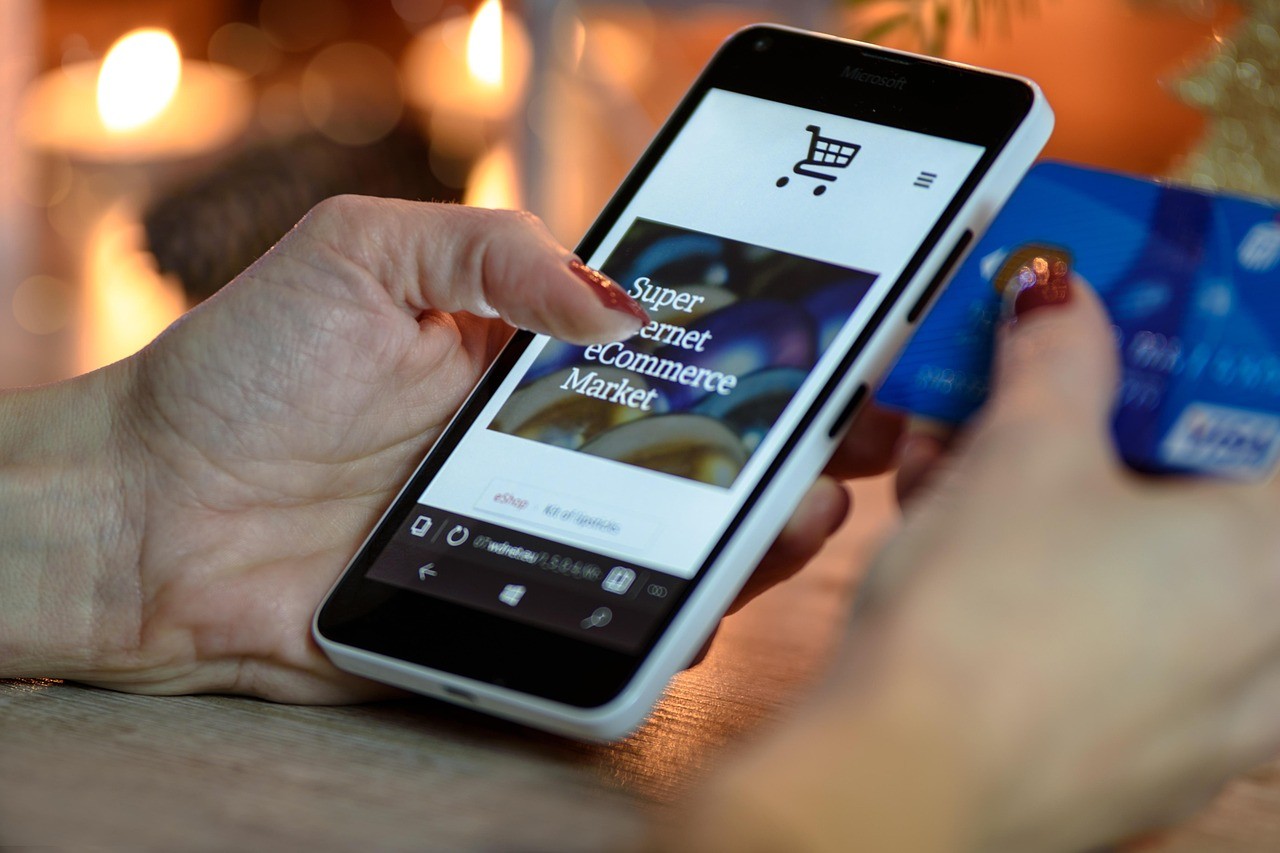
Swiss physiotherapy and osteopathy practices collect directly from patients, primarily deductible shares, excesses and non-insurance-covered services – typically EUR 10 to EUR 150 per session. POS terminal, Tap to Pay on an Android smartphone or payment link via WhatsApp are the three practical solutions for practices.
Published:
Last updated (content):
Last updated (prices):

Swiss physiotherapy and osteopathy practices collect franchise shares, deductibles, and services not covered by health insurance directly from patients - typically EUR 10 to EUR 150 per session. POS terminal, Tap to Pay on an Android smartphone, or payment link via WhatsApp are the three practical solutions, which differ depending on the practice structure and workflow.
This guide shows you which payment flows actually occur in Swiss physiotherapy and osteopathy practices, which amounts are collected directly, and which solution fits your practice.
1. Who pays what - and why outstanding balances are a problem
Billing in physiotherapy in Switzerland is divided into three parts: The mandatory health insurance (OKP, also KVG) covers medically prescribed physiotherapy - but not fully. Patients pay an annual franchise (adults at least EUR 300, selectable up to EUR 2'500) as well as a deductible of 10% of the costs after deducting the franchise. These amounts are not covered by health insurance and must be paid directly to the practice.
For private patients without a medical prescription - for example, for sports massages or preventive treatments - the full session price of typically EUR 90 to EUR 150 is due directly. In osteopathy practices, this share is even higher, as osteopathy is only billed via supplementary insurance. Anyone without supplementary insurance pays the full amount themselves.
The structural problem: Many practices issue paper invoices with a 30-day payment term for deductibles and direct payments. This leads to outstanding balances, dunning runs, and time expenditure. If payments are collected directly after the session via card, TWINT, or payment link, this effort is eliminated.
2. Which payment methods Swiss patients expect
With over 4 million active users, TWINT is the most widely used mobile payment method in Switzerland and is particularly popular in therapy practices. Debit cards - nowadays Visa Debit and Mastercard Debit, formerly Maestro - are standard. The Maestro card has been gradually replaced by Visa Debit and Mastercard Debit since 2023; these work without problems on any modern terminal.
PostFinance Card is still widespread in German-speaking Switzerland, especially among older patients. According to the payment methods survey by the Swiss National Bank (SNB), the cash share in payments has fallen below 40%. Credit cards are used less frequently, but are relevant for higher amounts from private patients.
Payment method | Distribution CH | Typical in physiotherapy practices | Payrexx POS fee |
TWINT | Very high | Yes - ideal after session | 1.25% + EUR 0.00 |
Visa / Mastercard Debit | High | Yes - standard solution | 0.95% + EUR 0.15 |
Credit card | Medium | Yes - for higher amounts | 1.25% + EUR 0.15 |
PostFinance Pay | Medium (German-speaking Switzerland) | Recommended | via provider |
Cash | Decreasing (<40%) | Still present | – |
3. POS terminal, Tap to Pay or payment link: What fits the physiotherapy practice?
There are three practical payment solutions from Payrexx for physiotherapy and osteopathy practices, which can be combined.
POS terminal at the reception
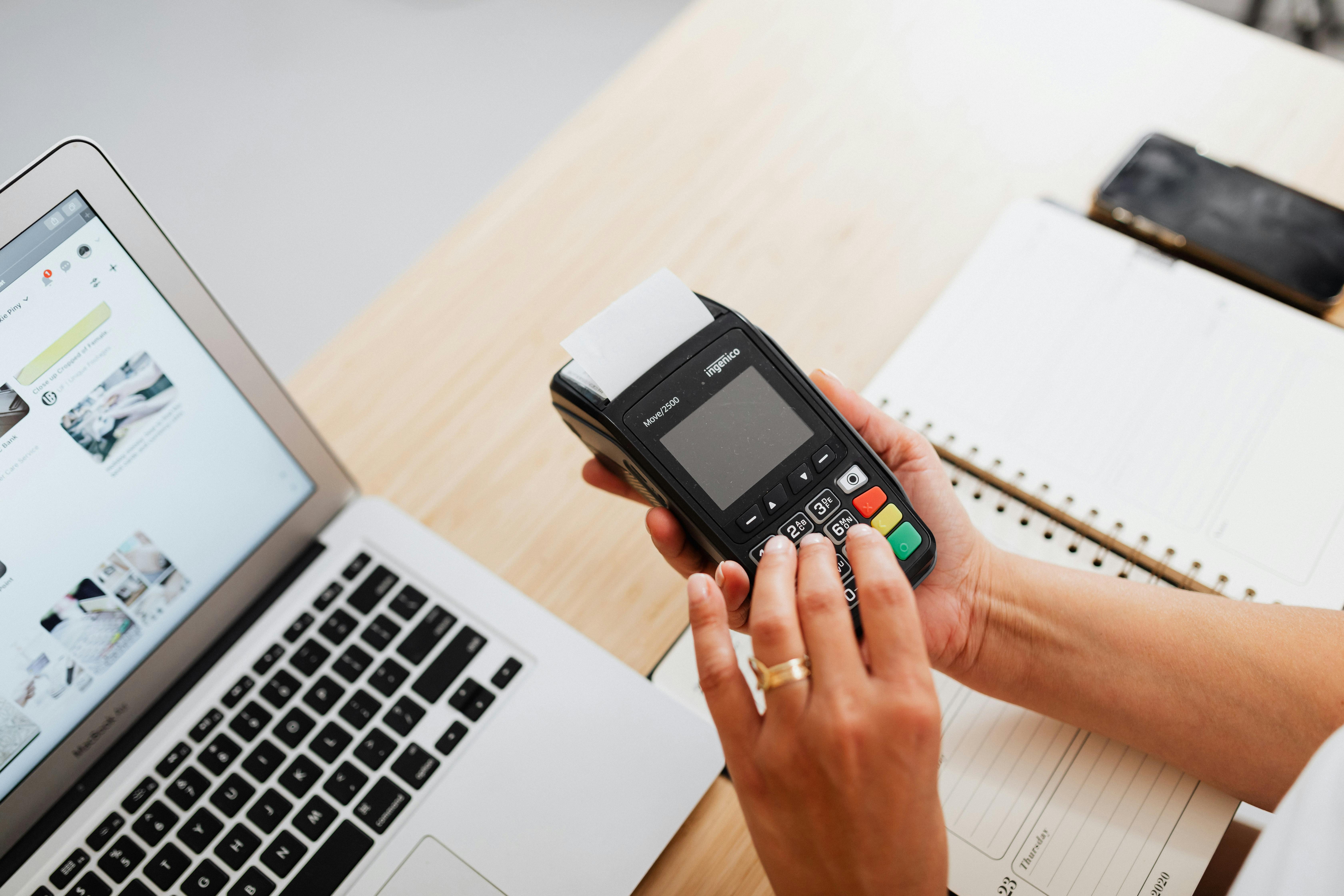
A physical card terminal - the Nexgo N6 or N86 at Payrexx - is suitable for practices with a reception or entrance area. Patients pay directly at the reception when leaving. The regular rental price is EUR 25 per month; currently, N6 and N86 are available for free, while stocks last. POS requires at least the Standard plan (EUR 19/month). The terminal accepts cards, TWINT, Apple Pay, Google Pay, and Samsung Pay.
Tap to Pay on an Android smartphone
Payrexx Tap to Pay turns a compatible Android smartphone (Android 8.1 or higher, NFC-enabled) into a payment terminal - without a separate device. The Payrexx Tap to Pay app is installed on the Android device and connected to the Payrexx account. Patients hold their card, TWINT, or wallet to the smartphone. Tap to Pay is available in every Payrexx subscription, including the Free plan. Transaction fees are identical to the POS terminal: Debit 0.95% + EUR 0.15, Credit 1.25% + EUR 0.15, TWINT 1.25% + EUR 0.00. Important: Tap to Pay currently only works on Android devices, not on iPhones.
Payment link after the session
A payment link is created directly in the Payrexx Dashboard and sent to the patient via SMS or WhatsApp. The patient pays on their smartphone using their preferred payment method. Ideal if there is no reception, the amount is only determined after the treatment, or the therapist wants to bill directly from the treatment room without a physical payment process. Payment links work in every plan including Free.
Solution | Suitable for | Subscription requirement | Monthly fixed costs |
POS terminal (Nexgo N6/N86) | Practice with reception | Standard or Premium | EUR 0 (currently free) |
Tap to Pay Android | Small practice, flexible | All plans incl. Free | None |
Payment link | Without reception, after session | All plans incl. Free | None |
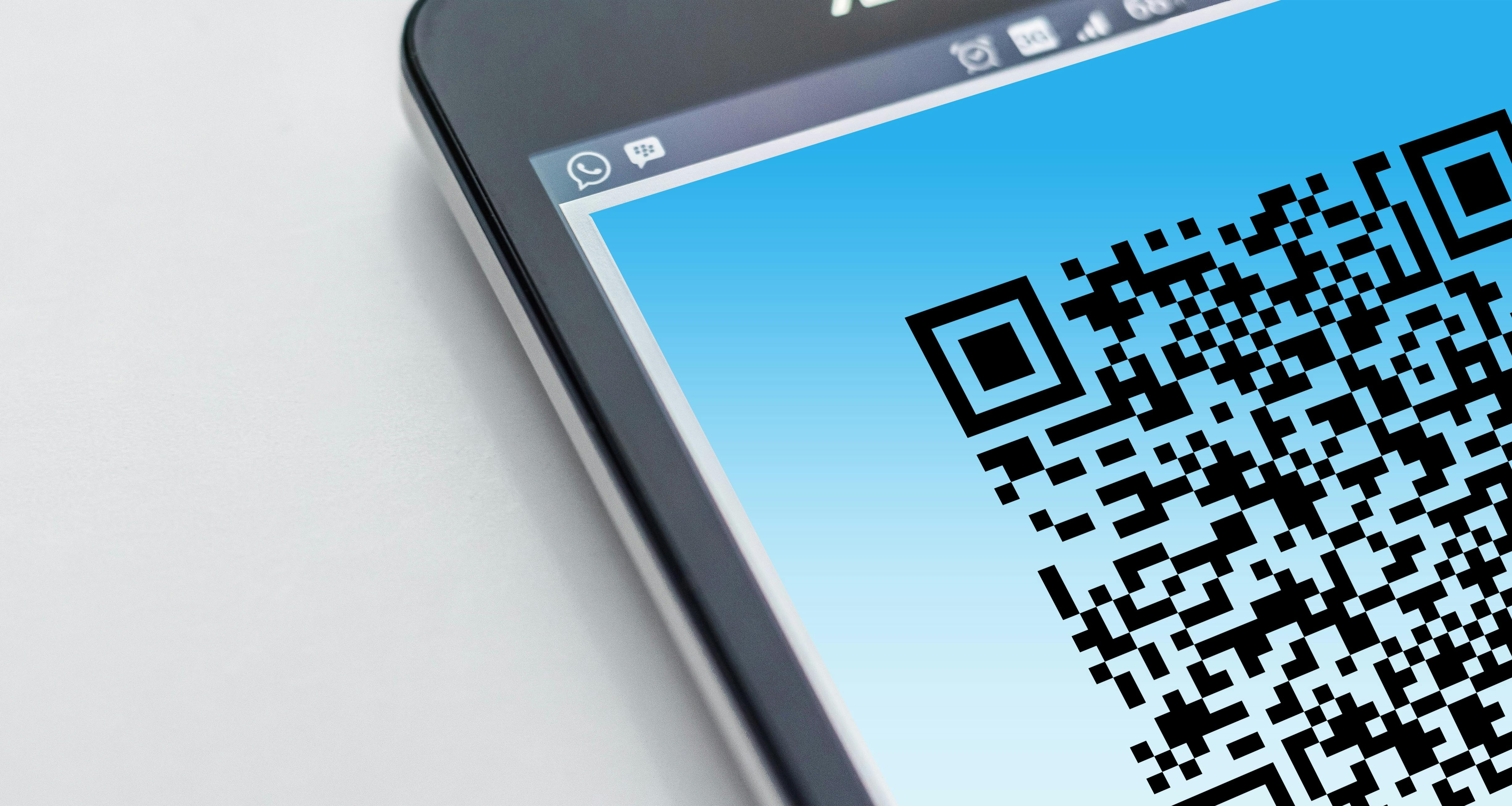
TWINT QR Pay | Complementary, very simple | All plans incl. Free | None |
4. Online booking and prepayment: Prevent outstanding balances structurally
If you link appointment booking and payment, you solve the dunning problem at its root. Patients book online and either make a prepayment or store credit card details for a potential no-show fee. Payrexx offers payment links and hosted payment pages for this workflow, which you can integrate into booking confirmation emails or booking tools.
For series, prepayment of the deductible share at the beginning is recommended: 10 sessions at EUR 100 KVG rate result in EUR 100 deductible in total - collected as prepayment via payment link, any further payment step is eliminated. For private patients with flat-rate prices (e.g. 5 sessions at EUR 120 = EUR 600), the series prepayment improves liquidity and creates commitment.
5. Costs: What a transaction in a physiotherapy practice actually costs
The transaction fees at Payrexx for POS and Tap to Pay are identical regardless of the chosen plan. Differences exist in online fees (for payment links). For comparison with SumUp, the most common competitor for small practices:
Provider | Debit card POS | TWINT POS | Credit card POS | Monthly subscription |
Payrexx (all plans) | 0.95% + EUR 0.15 | 1.25% + EUR 0.00 | 1.25% + EUR 0.15 | EUR 0–49/month |
SumUp Air | 1.75% flat rate | 1.75% flat rate | 1.75% flat rate | No subscription |
SumUp One | 0.99% flat rate | not available | 0.99% flat rate | EUR 25/month |
Example calculation: EUR 120 session (private patient), Payrexx, Mastercard Debit: 0.95% × 120 = EUR 1.14 + EUR 0.15 fixed = EUR 1.29 fee. Net receipt: EUR 118.71. With 80 such transactions per month: EUR 103.20 fees + EUR 19 subscription (Standard) = EUR 122.20 total costs. Postage and time expenditure for 80 paper invoices clearly exceed this amount.
6. Checklist: Setting up card payments in physiotherapy and osteopathy practices
Clarify which amounts you collect directly: franchise share, deductible 10%, private patients, services not covered by health insurance
Choose the suitable solution: POS terminal (reception), Tap to Pay Android (flexible), payment link (without device) or combination
Order POS terminal only with Standard or Premium plan - Free plan is sufficient for Tap to Pay and payment link
Download the Payrexx Tap to Pay app onto an Android device (Android 8.1+, NFC) if no terminal is desired
Set up TWINT as a second payment method - indispensable for Swiss patients
Inform patients actively: note in appointment confirmation and signs in the reception area
If possible, link appointment booking with payment or credit card guarantee for no-show protection
Test all payment methods internally before going live - including TWINT and debit card
Payrexx offers physiotherapy and osteopathy practices POS terminal, Tap to Pay, and payment links from a single account. You sign one contract and accept TWINT, debit card, credit card, and mobile wallets - with a consolidated payout report per week or month.
Frequently asked questions about card payments in physiotherapy and osteopathy practices
Do I need an iPhone or an Android smartphone for Tap to Pay?
Payrexx Tap to Pay only works on Android devices with an NFC chip (Android 8.1 or higher). iPhones are currently not supported.
View detailed response
What TWINT fees apply in the physiotherapy practice?
TWINT via POS terminal or Tap to Pay costs 1.25 % with Payrexx, without a fixed fee. For online payments via Payment Link (Standard plan), it is 1.25 % + EUR 0.18.
View detailed response
Can I use Tap to Pay and a POS terminal at the same time?
Yes. Payrexx allows multiple active payment devices in the same account. All transactions appear in the same Dashboard and are aggregated into one payout.
View detailed response
Do I need a specific plan for the POS terminal?
Yes. The POS terminal requires at least the Standard plan (EUR 19/month) or Premium (EUR 49/month). The Free plan includes Tap to Pay and Payment Links, but no POS terminal.
View detailed response
How much does the POS terminal cost at Payrexx?
Regularly EUR 25 per month. Nexgo N6 and N86 are currently available free of charge in the rental model, while stocks last. Nexgo N5 is sold out.
View detailed response
Am I allowed to charge no-show fees?
Yes, provided that the fee has been communicated transparently in advance and is proportionate. Legally, this is based on CO Art. 160 ff. (contractual penalty). Payrexx supports pre-authorisation for credit cards for the technical implementation.
View detailed response