
Four methods of payment reconciliation
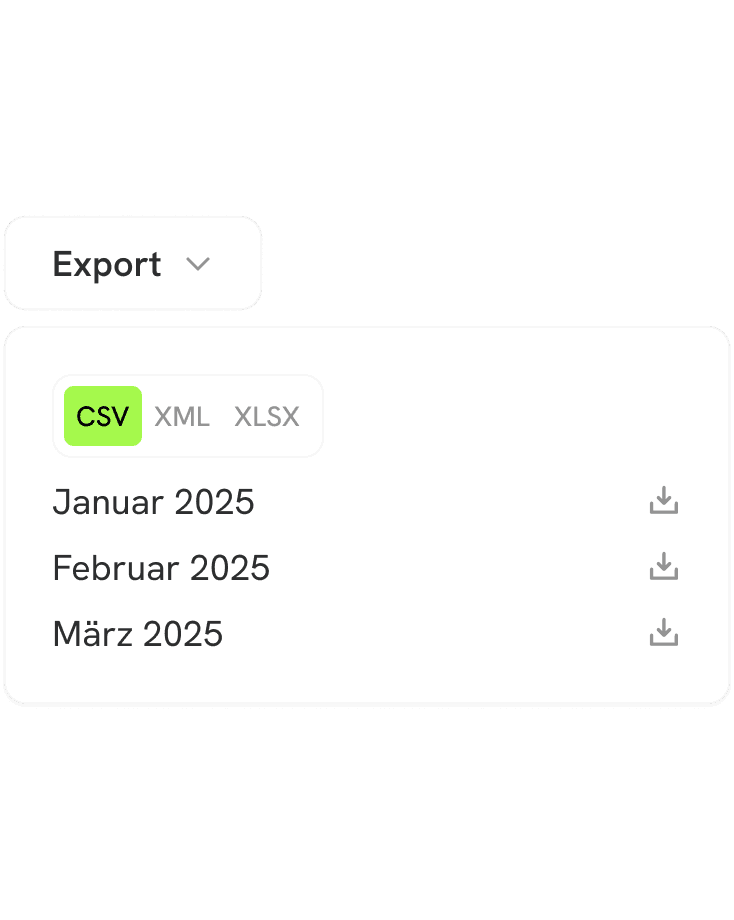
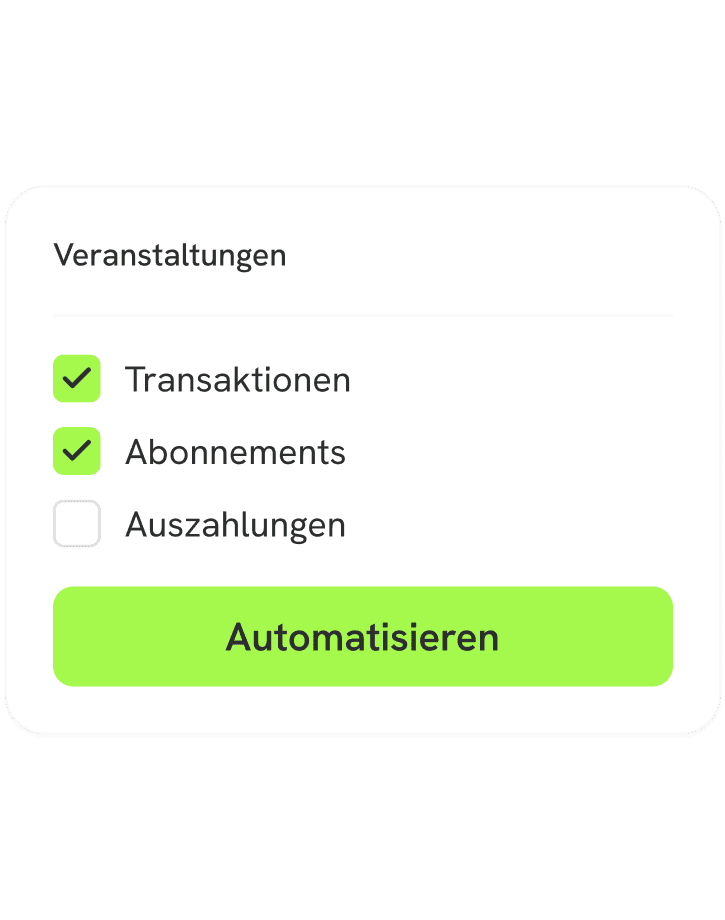
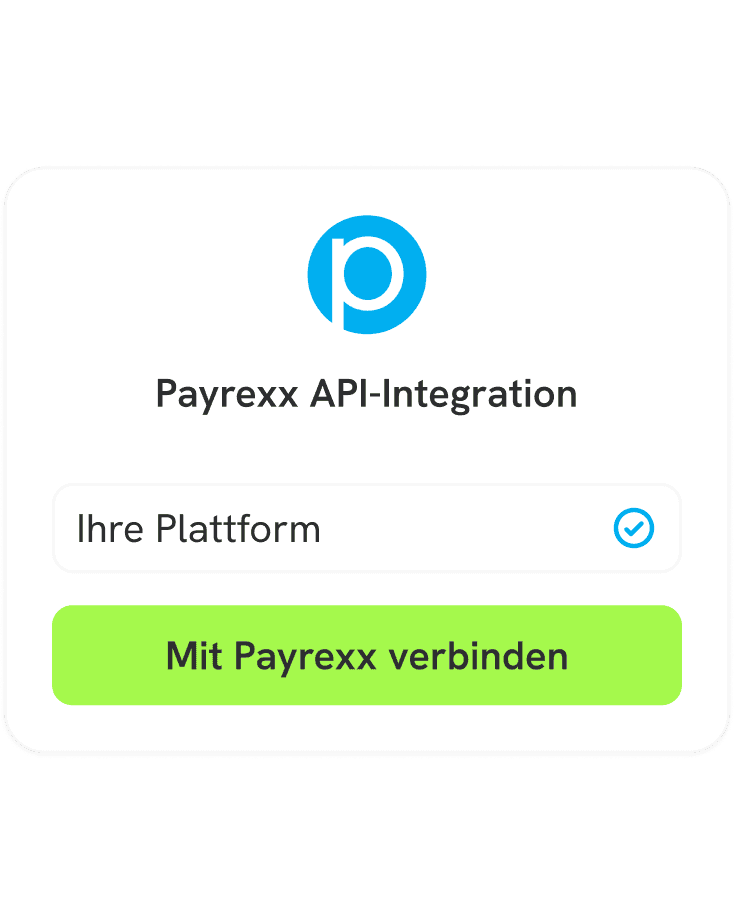
You can manually download data as an export file, integrate it directly into your system via an API or a webhook, or create automated workflows with Make or Zapier.


Do you need help?
Feel free to contact our sales team! They will gladly assist you, whether in connecting an online shop or using our self-developed tools.
What exactly is a payment reconciliation?
In general, payment reconciliation is used to match the recorded payments – such as those in the business books or in the annual financial statements – with the payments actually made or received. Depending on the company, this process is handled very individually, either still manually or with the help of a special system. Either way, the necessary data must be collected and reconciled to identify any discrepancies.
How does payment reconciliation work?
Typically, a payment reconciliation involves several steps, all of which contribute to matching actual transactions with the recorded ones. For this, all payments need to be collected and listed, as well as the account statements. These data then need to be reconciled with each other – ideally with the help of accounting software.
Through the automated integration of Payrexx into your accounting system, transaction data is automatically transmitted and no longer needs to be exported manually. However, if you are not using an accounting program, you can also create a clear and filtered export according to your needs in your administration.
What types of payment reconciliation are there?
Depending on the transaction or data record, a different type of reconciliation is necessary. Here are two important examples for your collaboration with Payrexx:
Reconciliation of bank payout: This involves reconciling those transactions that have been posted to your company's cash account with those listed on your account statement. This ensures that both amounts match.
Reconciliation of credit card: This reconciliation is similar to the bank payout reconciliation but is specifically designed for credit card accounts. It is important for identifying unauthorized or fraudulent transactions.
Why is payment reconciliation important for your company?
Running a business successfully requires a lot of financial precision. However, this is no simple task, especially with many incoming transactions. That's why payment reconciliation is so important: It not only ensures that financial records are correct, but also that regulations are complied with and there are no erroneous charges.
What is the difference between automatic and manual payment reconciliation?
The reconciliation of payments can be handled either manually or automatically. Here are the main differences:
Manual Reconciliation: In manual reconciliation, an employee must gather the financial data and manually compare it with the corresponding documents. This process is labor-intensive but is facilitated by Payrexx's excellent export overview.
Automatic Reconciliation: In this type of reconciliation, a computer program handles the reconciliation of data. It is important that all necessary information is transferred to the system. To accomplish this effortlessly, you can quickly and easily connect your accounting system with Payrexx via API or Webhook.
What are the benefits of automatic payment reconciliation?
Automating your payment reconciliation offers you several advantages. Here are some of them:
Speed. By automatically reconciling transactions, the effort is minimized and you gain time for other tasks.
Accuracy. Automatic payment reconciliation is more reliable than manual data entry, thus minimizing errors.
Efficiency. When you automate your payment reconciliation, you optimize your accounting and achieve the most efficient process possible.
What risks does automated payment reconciliation entail?
To ensure that payment reconciliation runs reliably and automatically, various criteria must be met. For example, the data must be of impeccable quality and complete to guarantee smooth reconciliation. Especially with a variety of payment methods, as offered by Payrexx, correctness is of great importance. As a payment service provider, we place great value on transmitting error-free data to you.
How does payment reconciliation work with Payrexx?
As a payment provider, Payrexx supports you in the best possible way with managing your accounting. Specifically, payment reconciliation can be optimized in three ways:
Manual data export: In your Payrexx administration, you will find not only an overview of all transactions but also the ability to create detailed and filtered exports in various file formats to use optimally.
Integration via API: If you work with an accounting system, you can quickly and easily connect Payrexx to it using an API key and have the data transmitted directly.
Integration via Webhook: You can also create a webhook and specify which event should trigger the data transmission. This way, you receive everything you need immediately.
Automation with Make.com and Zapier: Payrexx can be directly connected with Make to automatically capture and process all payment transactions and status changes. The Zapier integration also allows using incoming payments in Payrexx as triggers for automated workflows.
