
Published:
Last updated (content):
Last updated (prices):
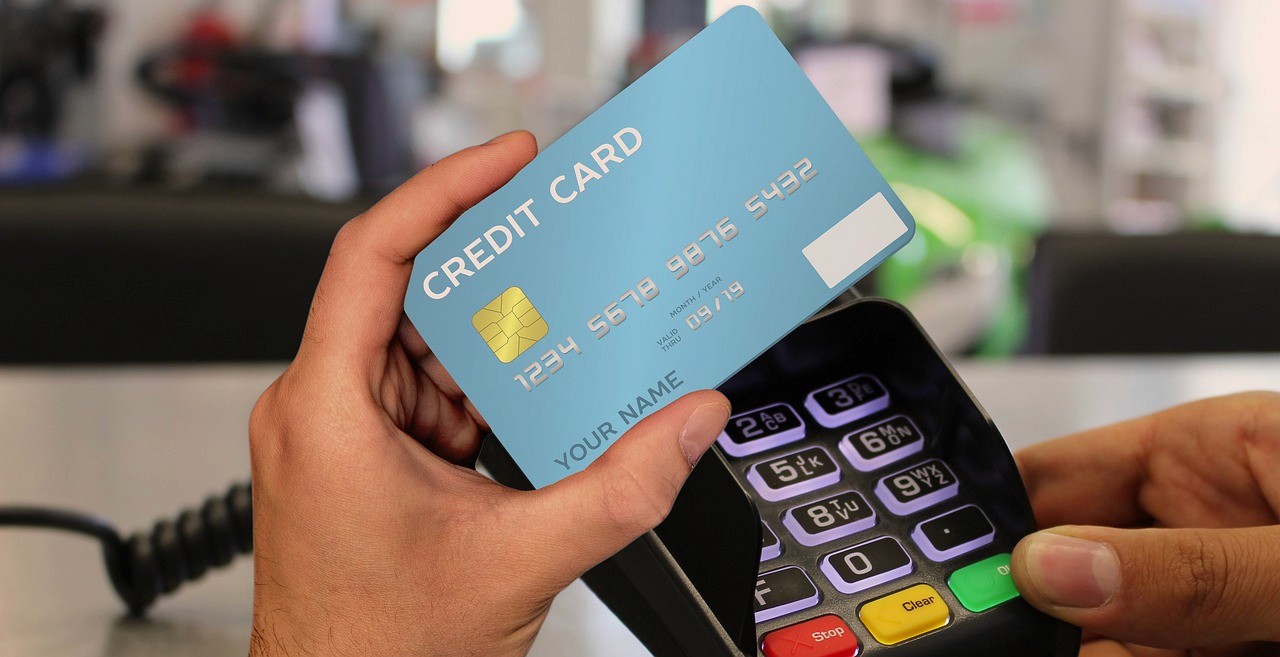
Over 90% of Swiss consumers prefer to pay contactless — if you only accept cash at your food truck, you are losing sales. But which solution suits your stand? Card terminal, Tap to Pay, TWINT QR code or a food webshop? Our four guides show you step by step how to set up each option, how much it costs, and who it is suitable for.
This overview page summarises the four guides and helps you find the right payment solution for your business model — whether walk-in customers at the weekly market, pre-orders via Instagram, or catering jobs via QR invoice.
Guide 1: Mobile card terminal for food trucks and market stalls
Hardware · 4G SIM · Receipt printing · Continuous operation
A physical card terminal with an integrated SIM card and battery is the most robust solution for daily use — whether at a weekly market, festival, or corporate site. The guide explains what you need to look out for in terms of battery life, connectivity, and card acceptance, compares purchase vs. rental (from CHF 39 one-time purchase or CHF 25/month), and shows which payment methods are mandatory in Switzerland: Debit Mastercard, Visa Debit, TWINT, and contactless wallets.
Who it is for: All-year-round businesses with constant sales, food trucks with high transaction volume, businesses that need to print receipts or regularly accept cards without NFC (older Maestro cards with chip).
Key topics: Battery (at least 2500 mAh / 300+ transactions), 4G SIM vs. hotspot vs. event WiFi, Debit Mastercard/Visa Debit migration, purchase vs. rental, end-of-day reconciliation and CSV export, practical tips on battery care and hygiene.
→ To the Guide: Mobile card terminal for food trucks and market stalls
Guide 2: Tap to Pay — Card payment with your smartphone
No hardware · NFC · iPhone & Android · SoftPOS
Tap to Pay (SoftPOS) turns your smartphone into a contactless card reader — without any additional device, without fixed costs. The guide shows which iPhones and Android devices are compatible, how secure the technology is (CPoC certified, PCI DSS), and when the payment process takes less than 5 seconds. Ideal as an entry-level solution for seasonal businesses or as a backup alongside a terminal.
Who it is for: Beginners without a budget for hardware, seasonal businesses that are only active for a few months, existing terminal users looking for a backup during peak times.
Key topics: How NFC/SoftPOS works, iPhone XS+ and Android 11+, CPoC security standard, practical test under 5 seconds, Tap to Pay vs. terminal comparison, provider overview (Payrexx, SumUp, Worldline, Stripe), multi-device use.
→ To the Guide: Tap to Pay in Switzerland
Guide 3: TWINT QR code for food trucks and market stalls
No internet required · Sticker · Lowest fees · Ready for immediate use
A TWINT QR sticker on your stand enables cashless payments without any terminal and without your own internet — the payment runs via the customer's mobile network. With a 1.3% transaction fee and zero fixed costs, this is the cheapest entry-level solution. The guide explains the difference between static and dynamic QR, shows how to set it up via TWINT directly or via Payrexx, and covers pitfalls such as amount limits and scanning issues.
Who it is for: Micro-businesses without a budget, farm shops, associations, market stalls at locations without WiFi, food trucks that only need TWINT (and no card terminal).
Key topics: Static vs. dynamic QR, setup via TWINT directly or Payrexx QR Pay, offline capability, fees for micro-amounts (CHF 0.07 for CHF 5.00), amount limits (max. CHF 5000 variable / CHF 200 fixed), refunds, tourist acceptance via PSP.
→ To the Guide: TWINT QR code for food trucks and market stalls
Guide 4: Food webshop for pre-orders, collection, and delivery
Online ordering · Collection time windows · Catering · Central Dashboard
Your own food webshop enables food trucks, snack bars, bakeries, and catering businesses to accept orders online — whether for pre-orders with collection, lunch menu subscriptions, or corporate catering. The guide shows you how to set up a simple ordering webshop without programming knowledge, which payment options you should activate (TWINT, credit card, QR invoice), and how to manage online orders alongside on-site payments at your stand via a single Dashboard.
Who it is for: Food trucks with regular customers and recurring locations, catering businesses with pre-orders, snack bars and bakeries that want to handle collection orders online, mobile catering businesses that accept Instagram and Google orders.
Key topics: Three scenarios (pre-order + collection, walk-in customers, catering), webshop provider comparison (Payrexx Storefront, WooCommerce, Shopify, SumUp), a single Dashboard for online and offline sales, practical example with concrete costs, accounting in the Swiss SME chart of accounts, social media marketing (Instagram, Google Business).
→ To the Guide: Combining food webshop with on-site payment
Which solution suits your stand?
All four options at a glance — sorted by barrier to entry, costs, and typical use.
Solution | Hardware | Fee from | Internet required? | Ideal for |
TWINT QR sticker | CHF 0 | 1.3 % | No (merchants) | Getting started, small amounts, no network |
CHF 0 | 1.39 % | Yes (4G smartphone) | Seasonal business, backup, light luggage | |
From CHF 39 | 0.95 % | Yes (own SIM) | Continuous operation, high volume, receipt printing | |
CHF 0 | 1.25 % | Yes | Pre-orders, catering, central Dashboard |
All prices excl. VAT. Fees apply to Swiss consumer cards (Visa/Mastercard). As of 2026, reference values.
Accounting and billing for mobile businesses
No matter which payment solution you choose — at the end of the market day, the register must match. Modern PSPs provide you with an online Dashboard with end-of-day reconciliation, CSV export, and breakdown by payment method. This makes working with your trustee much easier.
Booking in the Swiss SME chart of accounts: You book PSP transaction fees as bank charges (account 6840) — without VAT deduction, as payment services are tax-exempt according to Art. 21 para. 2 no. 19 VAT Act. A transit account (e.g. 1090) cleanly maps the time delay between customer payment and payout.
In Switzerland, there is no general cash register requirement for SMEs, but from an annual turnover of CHF 500,000, the proper bookkeeping requirement according to Art. 957 CO applies. Even below this threshold, comprehensible income documentation — cash and cashless — is urgently recommended.
Frequently asked questions about food truck payments in Switzerland
How much does cashless payment cost at a food truck in Switzerland?
Transaction fees range, depending on payment method and provider, from 1.3 % (TWINT QR sticker) to 2.5 % (credit card without monthly subscription). Monthly fixed costs vary from CHF 0 to CHF 29. A physical card terminal costs a one-off CHF 39 or from approx. CHF 25/month in rent. Tap to Pay comes with no hardware costs.
See detailed answer
Do I need internet in my food truck to accept cashless payments?
With a TWINT QR sticker, you as a merchant do not need your own internet connection — the payment is processed via the customer's mobile network. For card terminals and Tap to Pay, you need a mobile network connection (4G).
See detailed answer
Which payment methods should I accept at my market stall?
At minimum debit cards (Visa Debit, Debit Mastercard), credit cards (Visa, Mastercard) and TWINT. Mobile wallets such as Apple Pay and Google Pay run via the contactless card function. PostFinance Card is widespread in German-speaking Switzerland.
See detailed answer
What is the difference between Tap to Pay and a card terminal?
Tap to Pay turns your smartphone into a card reader via NFC — without hardware and without fixed costs. It only accepts contactless payments. A mobile card terminal is a separate device with its own SIM, battery and sometimes receipt printer.
See detailed answer
Can I process pre-orders and payments at the stand through the same account?
Yes. A payment service provider like Payrexx offers both a webshop (storefront) and in-person payment solutions through a single account.
See detailed answer
How quickly will I receive my money after a cashless payment?
The payout to your Swiss bank account takes place within 1–5 business days, depending on the provider. With most PSPs, you can choose between daily, weekly or monthly payouts.
See detailed answer

