
Published:
Last updated (content):
Last updated (prices):
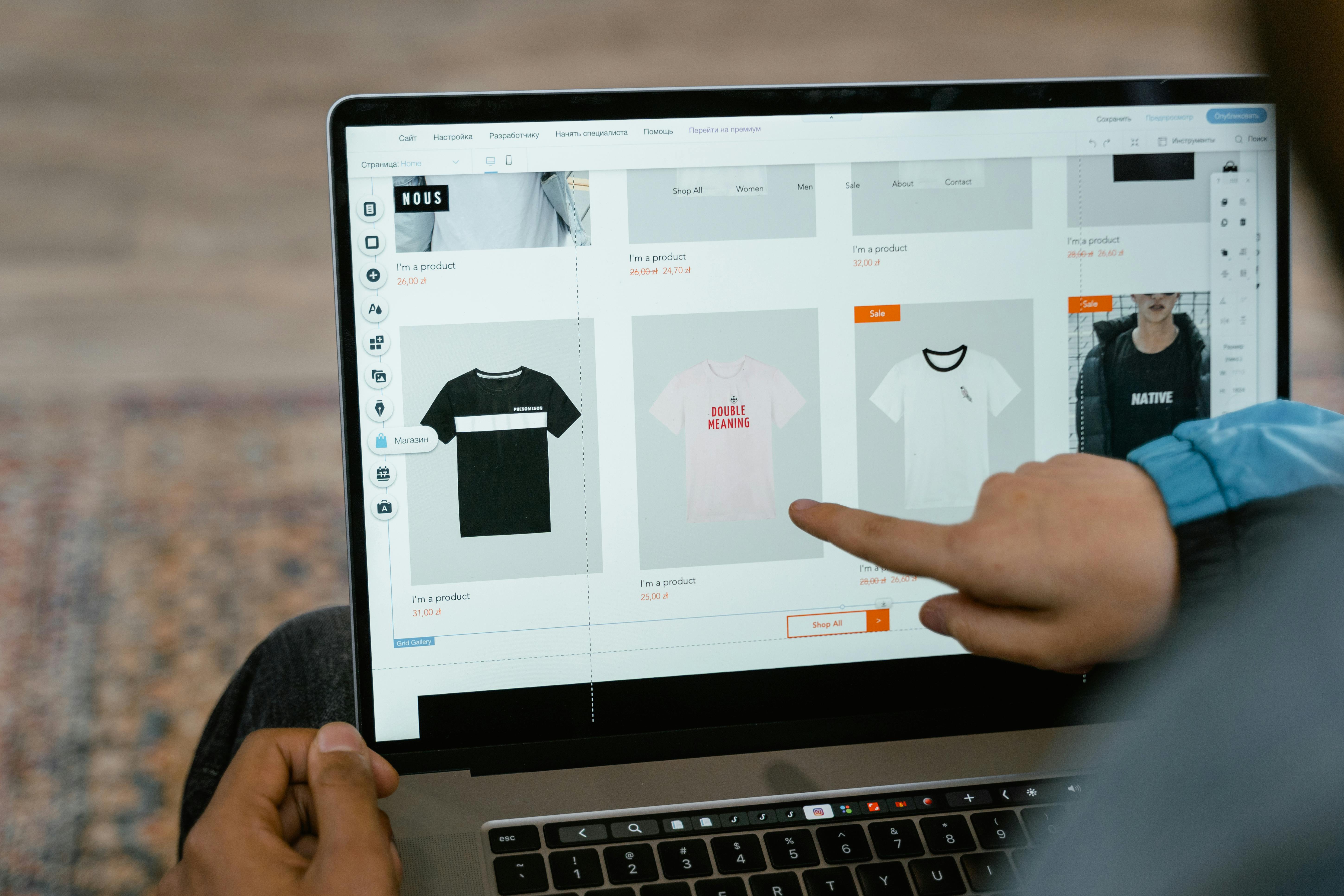
Swiss clubs can set up their own online shop for merchandise, event tickets and course registrations without any programming knowledge. So-called mini webshops or one-page shops, which are hosted by a payment service provider (PSP) and accept payments via TWINT, credit card, PostFinance and Apple Pay, are ideal for this. Setup takes less than an hour, and costs start at zero francs fixed costs plus transaction fees of approx. 1.3–2.5 % per sale.
This guide compares the three most common sales channels for clubs, shows three concrete use cases (fan shop, ticket shop, course registration) and explains step-by-step how to set up your club shop.
1. Why having your own club shop makes sense
Many clubs sell jerseys via WhatsApp message, concert tickets via bank transfer and course places with a handshake at training. This works – until it doesn't work anymore: orders get lost, payments are missing, the treasurer loses track. A simple online shop solves three problems at once: it displays the offer, takes the order and collects the payment – all in one step.
A mini webshop (also one-page shop) is a single web page with a few products that is directly connected to a payment solution. In contrast to a fully-fledged e-commerce shop (e.g. WooCommerce, shopify), a mini webshop does not require its own domain, hosting or technical maintenance. It is ideal for clubs selling 3–20 products.
2. Three use cases: How clubs use their online shop
2.1 Sports club fan shop: jerseys, caps and water bottles
A football or floorball club offers its members and fans club merch: jerseys (EUR 65–85), caps (EUR 25), water bottles (EUR 15) and hoodies (EUR 55). In the mini webshop, buyers choose the product, size and colour, enter their address and pay immediately. The club receives the order including payment and dispatches the product or offers collection at the next home game.
2.2 Cultural association ticket shop: concert, theatre, reading
A brass band club sells tickets for its annual concert (EUR 25 adults, EUR 15 children). Instead of selling the tickets for cash at the entrance, it sets up an online ticket shop. The buyer selects the category, pays via TWINT or credit card and receives a confirmation email that serves as a ticket. At the entrance, the confirmation is scanned via smartphone or printout or checked manually. Advantage: The club knows the visitor numbers in advance and can plan catering better.
2.3 Course club: yoga subscription, cooking class, training camp
A yoga club offers a 10-session subscription for EUR 180 and single lessons for EUR 22. A cooking club sells individual course places (EUR 75 per evening). In the mini webshop, the product page also serves as a registration form: name, email, desired course and date. Payment is made directly upon registration – the club saves itself the hassle of chasing up. Subscription models with automatic monthly debiting are ideal for recurring offers.
3. Comparison of three sales channels
Not every club needs its own webshop. Depending on the offer, target group and technical expertise, three approaches are suitable.
Criterion | Own webshop (WooCommerce, shopify) | Mini webshop / One-page shop (PSP) | Social media sales (Instagram, WhatsApp) |
Setup effort | High (domain, hosting, plugin, design) | Low (30–60 mins, no code) | Very low (create post) |
Infrastructure costs | EUR 15–50/month (hosting + plugin) | from EUR 0 (free plan possible) | EUR 0 |
Transaction fees | approx. 1.3–2.5 % (PSP fee) | approx. 1.3–2.5 % (included in subscription) | None (but also no integrated payment) |
Payment methods | TWINT, card, PostFinance (via plugin) | TWINT, card, PostFinance, wallets | Manual (bank transfer, TWINT request) |
Number of products | Unlimited | 3–50 (depending on provider) | No structured management |
Order management | Yes (backend with status tracking) | Yes (Dashboard, CSV export) | No (manual via chat) |
Form fields (name, size etc.) | Yes (plugins) | Yes (depending on provider) | No |
Ideal for | Clubs with 20+ products and their own website | Clubs with 3–20 products, without their own website | Occasional sales, small amounts |
Tip: For most clubs, the mini webshop is the sweet spot: little effort, professional payment processing, sufficient features. A fully-fledged webshop is only worthwhile if the club maintains an extensive range and regularly adds new products.
4. Step-by-step: Setting up your club shop
4.1 Define products
Determine which products your club wants to sell online. Keep the list short – 5–10 products are enough to start with. For each product you need: name, price in EUR, description (1–2 sentences), a photo and, if applicable, variants (size, colour). For tickets: event date, category, available quantity. For courses: date, time, instructor, participant limit.
4.2 Set up the shop
Register with a PSP that offers mini webshops – such as Payrexx Pages, mycommerce or a comparable Swiss tool. Upload your club logo, choose the colours and add the products with photo, description and price. Activate the payment methods: TWINT, credit and debit card (Visa, Mastercard), PostFinance Pay. Test the shop with a test payment (small amount, then cancel).
4.3 Sell and promote
Share the shop link via email to members, post it on social media and print it as a QR code on flyers. For pre-orders (e.g. jerseys before the season starts), set an ordering window with a start and end date. For tickets, communicate clearly:
Frequently asked questions about the club shop for Swiss clubs
Do I need my own website to create a club shop?
No. Mini webshops are hosted directly with the PSP and shared via a link. You do not need a domain, hosting or technical knowledge. You can distribute the shop link via email, social media or QR code.
View detailed response
Can I also sell event tickets in limited quantities with an association shop?
Yes. Most mini web shop solutions allow a maximum stock quantity to be stored per product. When all tickets have been sold, the product is automatically displayed as «sold out».
View detailed response
How does collection at the event work for online pre-orders?
After payment, the buyer receives a confirmation email with an order number. At the event, they present the confirmation on their smartphone and receive their product. The association prints the order list in advance or checks it off digitally in the PSP Dashboard.
View detailed response
Can I combine course registrations with payment in one step?
Yes. In the Mini-Webshop, you set up the course as a product and add form fields: name, email, preferred date. Payment is made directly upon registration – the course spot is only reserved after payment.
View detailed response
Which payment methods should a club shop offer?
TWINT is the most popular mobile payment method in Switzerland and should always be activated. Add at least Visa and Mastercard (credit and debit card) as well as PostFinance Pay. Apple Pay and Google Pay increase conversion among younger buyers.
View detailed response
Does an association have to charge VAT for its online shop?
In general, no. Swiss associations that are managed on a voluntary basis and have an annual turnover below EUR 250,000 are exempt from VAT. For associations without tax exemption, the threshold is EUR 100,000.
View detailed response
How do I export the orders for club accounting?
Most PSPs offer a CSV export of the transactions. You download the file and import it into your accounting software or an Excel spreadsheet. This contains the amount, payment method, date and order details.
View detailed response

