
How it works: Mobile payment for occupational and speech therapists during home visits and school therapy in Switzerland
Occupational and speech therapists on home visits and school therapy collect payments directly on site with the Payrexx Tap to Pay app on Android, or send payment links via WhatsApp to the parents if they are not present. iPhone is not supported.
Published:
Last updated (content):
Last updated (prices):
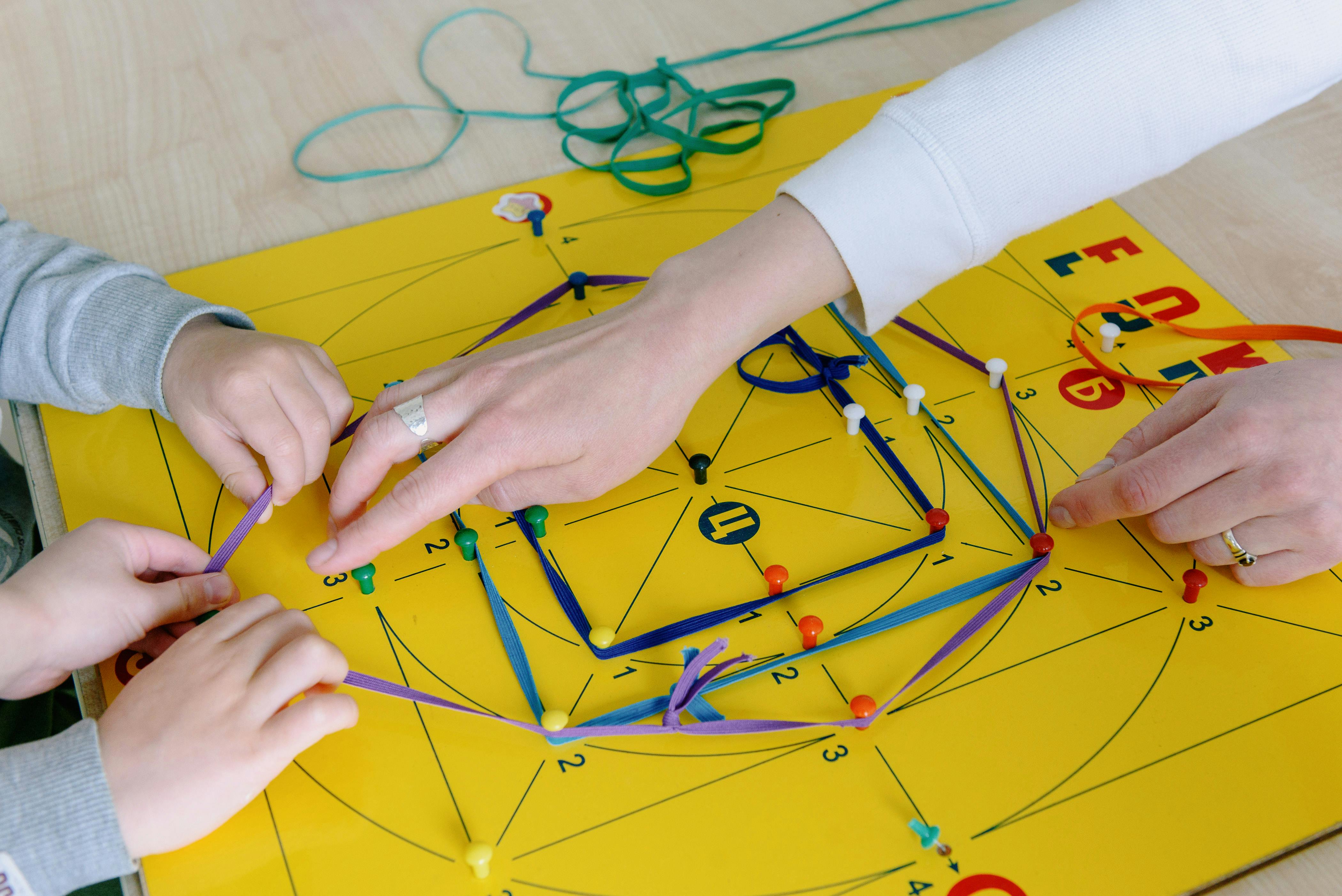
Occupational and speech therapists who treat children at home or at school can accept payments directly on site using the Payrexx Tap to Pay app on an Android smartphone – without a terminal, without additional devices, and without detours. Payment links sent to parents via WhatsApp complete the setup for all situations without direct contact.
This guide shows you the optimal payment workflow for home visits, school therapy sessions, and mobile occupational/speech therapy assignments – with verified fees and specific backup scenarios.
1. Why home visits and school therapy pose special requirements
Mobile occupational therapy and school speech therapy are common in Switzerland: therapists travel to schools, special education schools, daycares, or to patients' homes. In terms of payment processing, this creates a specific situation: parents are usually not on site – they have dropped the child off at school or are waiting for the therapist at home. A terminal makes no sense because there is no one there who could pay.
The solution is two-tiered: Tap to Pay on Android for the rare cases where parents are on site (e.g. home visits where the mother is at home), and payment links via WhatsApp for all other situations. The therapist informs the parents via message after the session and includes the payment link right away.
2. Tap to Pay for home visits: step by step
Setup takes less than 15 minutes and works on any NFC-enabled Android smartphone (Android 8.1 or higher):
Create a Payrexx account (free of charge, InStore plan is sufficient)
Download the Payrexx Tap to Pay app from the Google Play Store
Connect the app to your Payrexx account
Activate payment methods: cards, TWINT, mobile wallets
Perform a test payment with your own card
During the home visit: enter the amount, the parent holds their card or smartphone against your Android device
Payment appears immediately in the Dashboard
iPhone is not supported. Tap to Pay is included in every Payrexx plan – for pure on-site payments in the free InStore plan (cards 1.65% + CHF 0.15, TWINT 1.30%). With the Better Fees add-on (CHF 9/month), the same fees apply as on the card reader: debit 0.95% + CHF 0.15, credit 1.25% + CHF 0.15, TWINT 1.25%.
3. Payment links for school therapy: the standard workflow
Parents are never present during school therapy. The payment link via WhatsApp is the only practical solution. The recommended workflow:
Conduct the session at the school
Send a brief WhatsApp message to the parents after the session: feedback on the session + payment link
Create a payment link in the Payrexx Dashboard (amount, optional title e.g. 'Speech therapy 3 June')
Copy the link into the WhatsApp message and send it
Parent pays in the evening using TWINT, card, or wallet
Payment visible in the Dashboard
This combination – therapeutic update and payment link in one message – is perceived by parents as professional and service-oriented. There are no separate reminders, no awkward checkout moments, and no open balances.
Scenario | Parents present? | Recommended solution | Backup |
School therapy (special education school, mainstream school) | No | Payment link via WhatsApp | Payment link via email |
Home visit, parent at home | Yes | Tap to Pay Android | Payment link if no device is available |
Daycare therapy | Usually no | Payment link via WhatsApp | – |
Mobile individual occupational therapy | Variable | Tap to Pay + payment link ready | Laminated TWINT QR code |
4. TWINT QR code as a silent backup
For situations where neither Tap to Pay nor Payment Link are practical – for example, if a parent spontaneously waits at the school door and wants to pay – a laminated static TWINT QR code is recommended as a backup. The QR code is generated once via Payrexx QR Pay, printed out, and carried along in your therapy bag. Fee: 1.25% + CHF 0.30 (QR Pay on the Free plan, as of: October 2026). The parent scans it, enters the amount, and confirms.
5. Internet connection during school visits
Schools often have poor or restricted Wi-Fi for guests. Tap to Pay requires an internet connection on the therapist's Android device – your own cellular network (4G/5G) is the most reliable solution. The payment link can also be prepared without reception and sent as soon as you have network coverage again.
For rural schools with poor mobile reception: TWINT QR code as the primary solution. The payment process takes place on the parents' smartphone – the therapist does not need a stable connection for this. Check the receipt in the Dashboard once network access is available again.
6. Accounting for mobile assignments
All transactions – whether Tap to Pay, payment link, or QR Pay – appear in the same Payrexx Dashboard. For mobile assignments, entering a description text is recommended: school name or location + date. This allows you to evaluate all school visits and home visits separately at the end of the month. CSV export for your fiduciary is possible at any time.
7. Checklist: mobile payments for occupational/speech therapy home visits and school therapy
Check Android device: NFC-enabled, Android 8.1+
Create a Payrexx account (InStore plan for Tap to Pay, Free plan for payment links and QR Pay)
Install the Payrexx Tap to Pay app from the Google Play Store
Generate a TWINT QR code via QR Pay, print, and laminate as a backup
Prepare a WhatsApp template for parents: session feedback + payment link
Check mobile data network coverage for common school locations
Define a standard description text: school name/location + date
Perform a test payment with your own card before the first assignment
Payrexx Tap to Pay (InStore plan) and Payment Links (Free plan) are available without a monthly fee and without hardware. For mobile occupational and speech therapists, this setup (Tap to Pay on Android + payment links + QR code) represents a complete payment system without fixed costs.
Frequently asked questions about mobile payment for ergo- and speech therapists
Does Tap to Pay work on iPhone?
No. Payrexx Tap to Pay exclusively supports Android devices (Android 8.1+, NFC). iPhone is not supported.
See detailed answer
What do you do if there is no mobile network at the school?
TWINT QR code as a backup: payment process on the parent's smartphone, you will see the incoming payment in the Dashboard as soon as you have a network connection again. Or send the payment link with a delay.
See detailed answer
Do you need a different plan than Free for school visits?
No. Tap to Pay runs via the InStore subscription, Payment Links via the Free plan – both without a monthly fee. For school therapy without a terminal, this is completely sufficient.
See detailed answer
How do you explain the new payment system to parents?
'I am switching to digital payment with immediate effect. After each session, I will send you a link via WhatsApp. Payment with TWINT or card in less than a minute.'
See detailed answer
Can you also use the TWINT QR code for school visits?
Yes. Carry a laminated, printed QR code (via Payrexx QR Pay) in your therapy bag. The parent scans it on site, and you will see the payment entry once you are online again.
See detailed answer
Can you use multiple Android devices at the same time for Tap to Pay?
Yes. Payrexx allows multiple active Android devices in the same account. All transactions appear in the same Dashboard. Each additional active device costs CHF 4 per month.
See detailed answer

