
Published:
Last updated (content):
Last updated (prices):
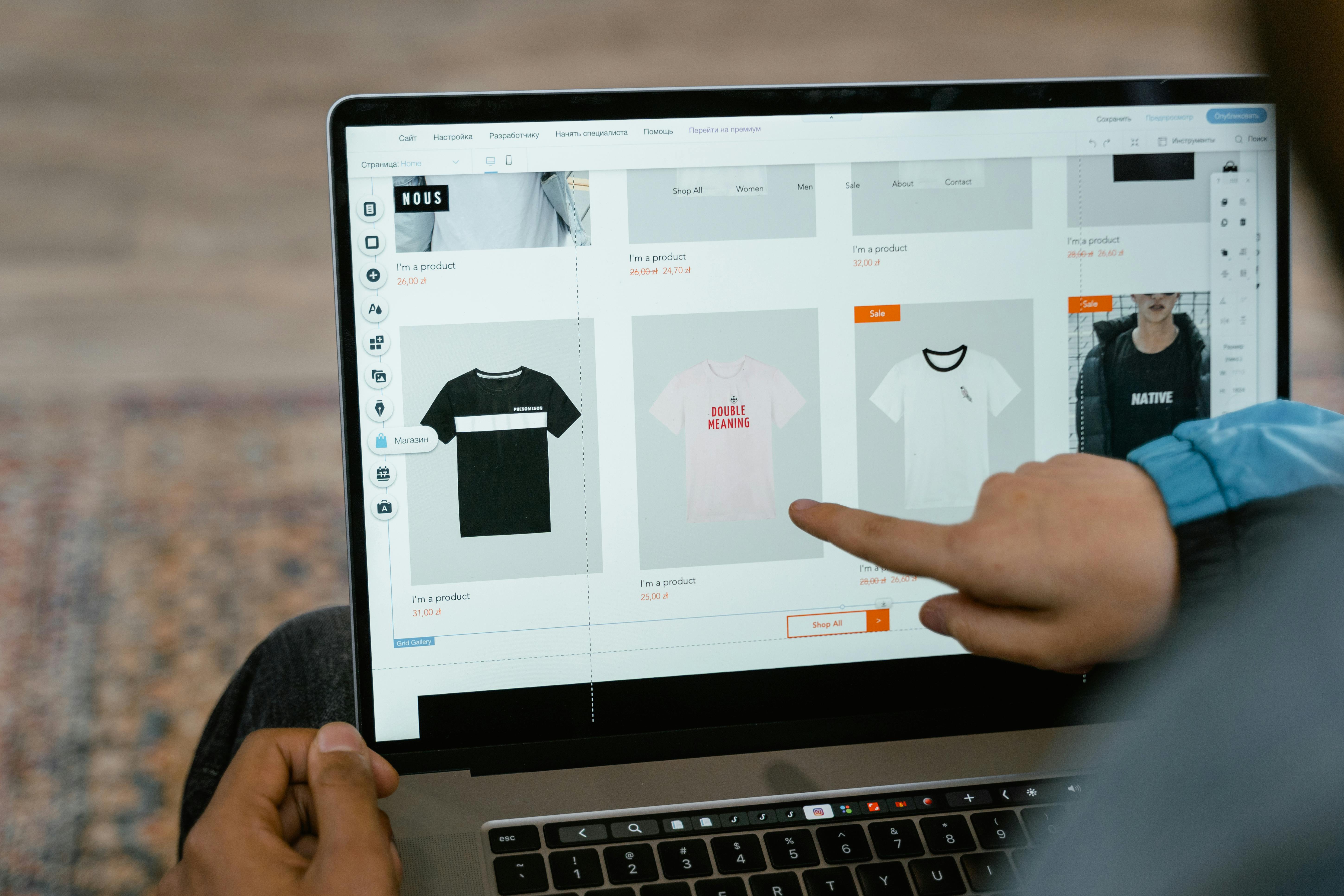
Swiss clubs can set up their own online shop for merchandise, event tickets and course registrations without any programming knowledge. So-called mini webshops or one-page shops, which are hosted by a payment service provider (PSP) and accept payments via TWINT, credit card, PostFinance and Apple Pay, are ideal for this. Setup takes less than an hour, and costs start at zero francs in fixed costs plus transaction fees of approx. 1.3–2.5 % per sale.
This guide compares the three most common sales channels for clubs, shows three concrete use cases (fan shop, ticket shop, course registration) and explains step-by-step how to set up your club shop.
1. Why your own club shop makes sense
Many clubs sell jerseys via WhatsApp message, concert tickets via bank transfer and course places with a handshake at training. This works – until it doesn't: orders get lost, payments are missing, the treasurer loses track. A simple online shop solves three problems at once: it displays the offer, takes the order and collects the payment – all in one step.
A mini webshop (also one-page shop) is a single website with a few products that is directly connected to a payment solution. In contrast to a fully-fledged e-commerce shop (e.g. woocommerce, shopify), a mini webshop does not need its own domain, hosting or technical maintenance. It is ideal for clubs selling 3–20 products.
2. Three use cases: how clubs use their online shop
2.1 Sports club fan shop: jerseys, caps and water bottles
A football or unihockey club offers its members and fans club merch: jerseys (CHF 65–85), caps (CHF 25), water bottles (CHF 15) and hoodies (CHF 55). In the mini webshop, the buyer selects the product, size and colour, enters their address and pays immediately. The club receives the order including payment and ships the product or offers pickup at the next home game.
2.2 Cultural club ticket shop: concert, theatre, reading
A brass band club sells tickets for its annual concert (CHF 25 adults, CHF 15 children). Instead of selling the tickets in cash at the entrance, they set up an online ticket shop. The buyer selects the category, pays by TWINT or credit card and receives a confirmation email that serves as a ticket. At the entrance, the confirmation is scanned via smartphone or printout, or checked manually. Benefit: the club knows the number of visitors in advance and can plan the catering better.
2.3 Course club: yoga subscription, cooking class, training camp
A yoga club offers a 10-class subscription for CHF 180 and individual lessons for CHF 22. A cooking club sells individual course places (CHF 75 per evening). In the mini webshop, the product page also serves as a registration form: name, email, desired course and date. Payment is made directly during registration – the club saves itself the follow-up work. For recurring offers, subscription models with automatic monthly debiting are ideal.
3. Comparison of three sales channels
Not every club needs its own webshop. Depending on the offer, target audience and technical expertise, three approaches can be considered.
Criterion | Own webshop (woocommerce, shopify) | Mini webshop / One-page shop (PSP) | Social media sales (Instagram, WhatsApp) |
Setup effort | High (domain, hosting, plugin, design) | Low (30–60 mins, no code) | Very low (create post) |
Infrastructure costs | CHF 15–50/mth. (hosting + plugin) | from CHF 0 (free subscription possible) | CHF 0 |
Transaction fees | approx. 1.3–2.5 % (PSP fee) | approx. 1.3–2.5 % (included in subscription) | None (but also no payment integrated) |
Payment methods | TWINT, card, PostFinance (via plugin) | TWINT, card, PostFinance, wallets | Manual (bank transfer, TWINT request) |
Number of products | Unlimited | 3–50 (depending on provider) | No structured management |
Order management | Yes (backend with status tracking) | Yes (Dashboard, CSV export) | No (manual via chat) |
Form fields (name, size etc.) | Yes (plugins) | Yes (depending on provider) | No |
Ideal for | Clubs with 20+ products and own web presence | Clubs with 3–20 products, without own website | Occasional sales, small amounts |
Tip: For most clubs, the mini webshop is the sweet spot: low effort, professional payment processing, sufficient features. A fully-fledged webshop is only worth it if the club maintains an extensive range and regularly adds new products.
4. Step-by-step: set up a club shop
4.1 Define products
Determine which products your club wants to sell online. Keep the list short – 5–10 products are enough for the start. For each product you need: name, price in CHF, description (1–2 sentences), a photo and, if applicable, variants (size, colour). For tickets: event date, category, available quantity. For courses: date, time, instructor, participant limit.
4.2 Set up shop
Register with a PSP that offers mini webshops – such as Payrexx Pages, MyCommerce or a comparable Swiss tool. Upload your club logo, choose the colours and add the products with photo, description and price. Activate the payment methods: TWINT, credit and debit card (Visa, Mastercard), PostFinance Pay. Test the shop with a test payment (small amount, then cancel).
4.3 Sell and promote
Share the shop link via email to members, post it on social media and print it as a QR code on flyers. For pre-orders (e.g. jerseys before the start of the season), set a ordering window with a start and end date. For tickets, communicate clearly: "Secure online tickets – limited spaces". For courses, send the link directly with the course confirmation.
4.4 Combination on-site + online
Many clubs sell online AND at the match or event. It works like this: the online shop accepts pre-orders (payment immediately). At the event itself, the pre-ordered products are ready for pickup. In addition, you collect from walk-in customers via Tap to Pay, card terminal or QR code at the stand. Revenues from both channels flow into the same PSP Dashboard.
5. Cost overview: how much does a club shop cost?
The following table shows the costs for a typical club shop with 10 products and 50 orders per month at an average price of CHF 40.
Cost factor | Mini webshop (free subscription) | Mini webshop (standard subscription) | Own webshop (WooCommerce) |
Fixed costs/mth. | CHF 0 | approx. CHF 15–19 | approx. CHF 15–50 (hosting + domain) |
Transaction fee (approx.) | 2.5–2.9 % + fixed | 1.65 % + 0.18 CHF | 1.3–2.5 % (depending on PSP plugin) |
Costs with 50 txn × CHF 40 | approx. CHF 59 | approx. CHF 42 + subscription | approx. CHF 36 + infrastructure |
Annual costs (estimated) | approx. CHF 708 | approx. CHF 684–732 | approx. CHF 612 + maintenance |
Setup effort | < 1 hour | < 1 hour | 5–20 hours |
Technical expertise | None | None | Medium–High (WordPress, plugin, SSL) |
Result: The mini webshop is the most cost-effective solution for most clubs, when taking into account the time required for setup and maintenance. The pure transaction costs are slightly lower with an own webshop, but the infrastructure and maintenance costs do not outweigh this for small volumes.
6. Checklist: set up a club shop
Products defined: name, price (CHF), description, photo, variants (size, colour)
PSP account opened and verified (statutes, IBAN, identification of board members)
Mini webshop created: logo, colours, products uploaded
Payment methods activated: TWINT, credit card, PostFinance
Form fields set up (name, address, size – depending on product)
Test order carried out and confirmation email checked
Shop link shared: email to members, social media, QR code for print
Process defined for pickup at the event (print order list or check off digitally)
Refund process clarified (e.g. in case of event cancellation)
Export orders regularly (CSV) for accounting and order processing
With "Pages", Payrexx offers a mini webshop that can be set up without programming knowledge and combines merch, tickets and course places with integrated payment (TWINT, credit card, PostFinance, Apple Pay).
Form fields for name, address and custom details (e.g. t-shirt size or course date) can be configured per product. The orders flow into a central Dashboard with an export function. The free subscription has no monthly fixed costs – the club only pays transaction fees per sale.
Frequently Asked Questions about the club shop for Swiss clubs
Do I need my own website to create a club shop?
No. Mini webshops are hosted directly with the PSP and shared via a link. You do not need a domain, hosting or technical knowledge. You can distribute the shop link via email, social media or QR code.
See detailed answer
Can I also sell event tickets in limited quantities with a club shop?
Yes. Most mini webshop solutions allow you to set a maximum stock quantity per product. Once all tickets are sold, the product is automatically displayed as «sold out».
See detailed answer
How does collection at the event work for online pre-orders?
After payment, the buyer receives a confirmation email with an order number. At the event, they present the confirmation on their smartphone and receive their product. The club prints the order list in advance or ticks it off digitally in the PSP Dashboard.
See detailed answer
Can I combine course registrations with payment in one step?
Yes. In the Mini-Webshop, you set up the course as a product and add form fields: name, email, preferred date. Payment is made directly upon registration – the course spot is only reserved once payment has been completed.
See detailed answer
Which payment methods should a club shop offer?
TWINT is the most popular mobile payment method in Switzerland and should always be activated. Add at least Visa and Mastercard (credit and debit card) as well as PostFinance Pay. Apple Pay and Google Pay increase conversion with younger buyers.
See detailed answer
Does an association have to charge VAT for its online shop?
As a rule, no. Swiss associations that are run on a voluntary basis and have annual turnover below CHF 250’000 are exempt from VAT. For associations without tax exemption, the threshold is CHF 100’000.
See detailed answer
How do I export the orders for the club accounting?
Most PSPs offer a CSV export of the transactions. You download the file and import it into your accounting software or an Excel spreadsheet. It contains the amount, payment method, date and order details.
See detailed answer

