
Cloudrexx
Accept a variety of payment methods in the Cloudrexx CMS, such as Visa, Mastercard, TWINT, Apple Pay, PostFinance Pay, Google Pay and more. Your revenue will then be aggregated and reliably paid out via Payrexx.
Payrexx Integration for Cloudrexx
Cloudrexx is a powerful CMS. Connect your Cloudrexx account with Payrexx and offer your customers all popular payment methods from a single source.
Simple integration: Install the Cloudrexx plugin, select the desired payment methods, and get started immediately.
Variety of payment methods: Offer your customers all popular Swiss payment methods from a single source.
Simple management: Keep track of your transactions and customers at all times – with four different methods for payment reconciliation.
Accept secure payments: The PCI-compliant Payrexx plugin guarantees you secure payment processing.
All payment methods from a single source
Payrexx offers you every common payment method in the Cloudrexx payment plugin: TWINT, PostFinance, Discover, Amex, Bank transfer, Visa, Mastercard, Samsung Pay, Google Pay, ApplePay and many more – all from a single source and without additional contracts.
Payouts
The payout of your earnings generated with the Cloudrexx plugin or other Payrexx solutions – such as the Lector de tarjetas, Paylink or Donation – is made daily, weekly, or monthly to the IBAN bank account stored in your account, depending on the settings.
Connection via webhook
If you prefer a manual connection via webhook to cloudrexx, you can set this up yourself in just a few steps.
Transaction fees
Cards from:
1.35%
+
CHF 0.18
TWINT from:
1.25%
+
CHF 0.18
Wallets from:
1.35%
+
CHF 0.18
Compatibility
The Cloudrexx integration is available in the pricing plans STANDARD and PREMIUM.
Questions and Answers about the Cloudrexx Plugin
How secure is Payrexx for Comerciante:innen?
If you integrate Payrexx into your Cloudrexx webshop, we guarantee the highest possible level of security for every transaction. Payrexx takes the following security precautions:
Personal data, both yours and that of your customers, is stored GDPR-compliantly.
Payrexx is fully PCI DSS Level 1 certified, the highest global security standard for payment data, developed in cooperation with several credit card organisations.
The 3-D Secure process strengthens online payments with additional identification, minimises fraud risks and chargebacks, and ensures the highest level of security and customer authentication.
Are there additional fees for using the Cloudrexx plugin?
With each transaction, a commission is deducted. You can find the exact transaction fees per payment method on our pricing page.
Apart from the transaction fees, there are no additional fees for the payment plugin.
How is the money from Cloudrexx transactions paid out? Copy
You will receive your money from purchases in your Cloudrexx shop directly from Payrexx paid out to your deposited bank account.
You can find more detailed information on how payouts from Payrexx Swiss Collecting work in our documentation.
How do I integrate the Payrexx Cloudrexx plugin into my shop?
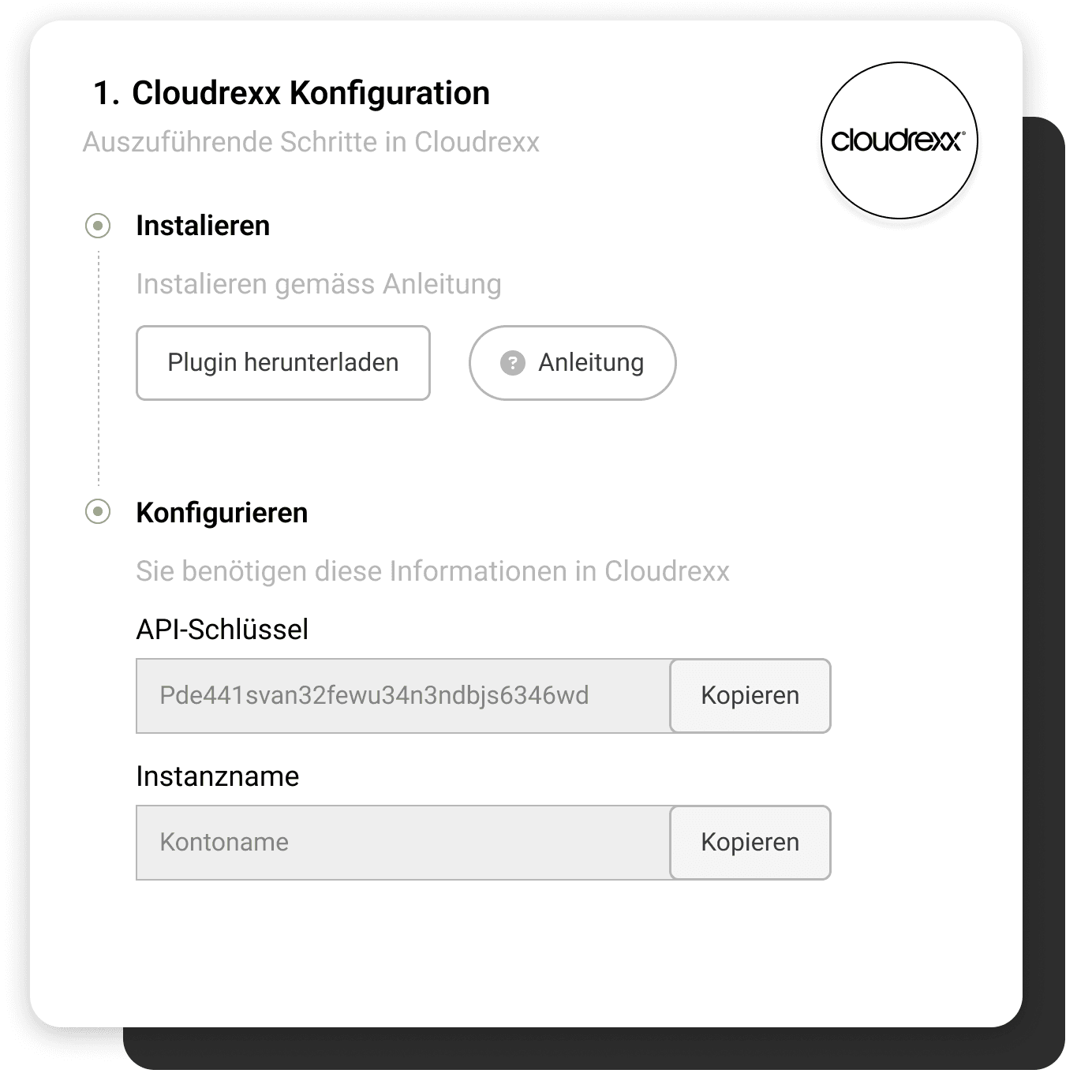
The integration is simple. Just follow our step-by-step guide in the documentation to install the plugin in your Cloudrexx shop.
Which payment methods does the Cloudrexx plugin support?
The plugin supports Mastercard, Visa, AMEX, Maestro, PayPal, Apple Pay, TWINT, Google Pay, Samsung Pay, PostFinance Card, Invoice, bank transfer, Centi, HeidiPay, WIR
Are there multiple ways to integrate Payrexx for Cloudrexx?
The Payrexx documentation describes two options: integration via plugin and integration via webhook. For most shops, the plugin method is more direct, as the payment method and connection data are configured together there.
Where do I enter the API key and instance name in cloudrexx?
In Cloudrexx, navigate to "E-Commerce > Master Data > Payment Methods" and click on "Edit" next to Payrexx. Paste the API key into the "API Secret" field and the instance name into the "Instance" field.
What happens if a webhook to cloudrexx fails?
During configuration, you determine whether failed webhooks should be retried. If this option is enabled, Payrexx will attempt delivery up to ten times – after 5 minutes, 15 minutes, 1 hour, 2 hours, 4 hours and thereafter at 24-hour intervals.
What do I need to consider regarding the shop address?
You enter the URL of your shop in the corresponding field of the integration. If the shop is located in a subdirectory, you link the complete path, for example https://demo-shop.ch/shop, so that the responses are delivered correctly.
Which Payrexx package do I need for cloudrexx?
Integration into cloudrexx is available in the Payrexx STANDARD and PREMIUM plans and is not included in the free plan. You

