
Shopware 5
Offer a variety of payment methods in your Shopware 5 webshop, such as Visa, Mastercard, TWINT, Apple Pay, PostFinance Pay, or Google Pay. The aggregated payout of your earnings is carried out by Payrexx.
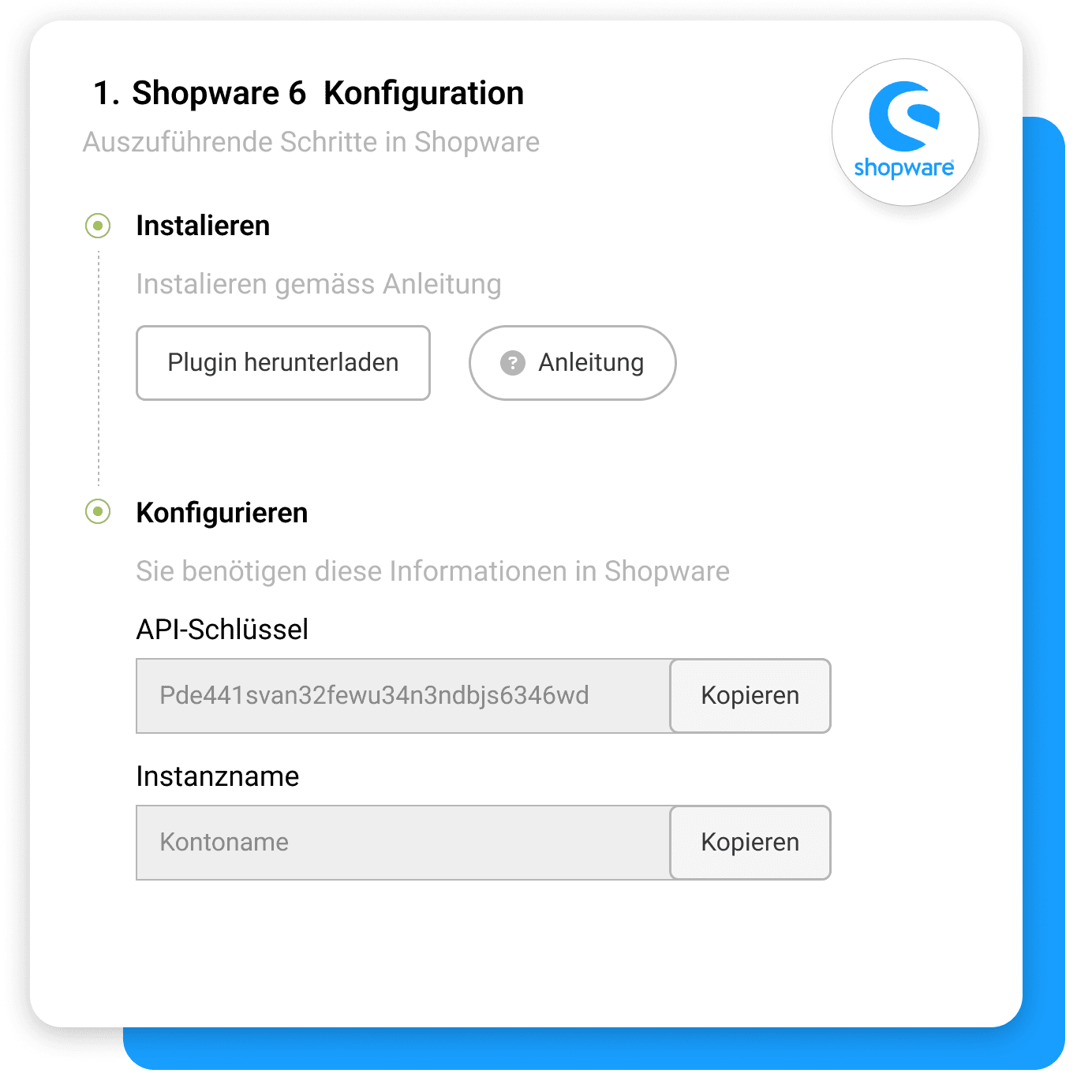
Payrexx Pay Plugin for Shopware 5
Shopware 5 is a user-friendly e-commerce platform that allows you to quickly build your own online shop. Connect your Shopware 5 account with Payrexx and enable your customers to use all common payment methods.
Fast Integration: Install the Shopware 5 plugin, choose your preferred payment methods, and start immediately.
Wide Selection of Payment Methods: Accept all popular Swiss payment methods through a single interface.
Clear Management: Keep an eye on your transactions at all times – thanks to an intuitive Dashboard and four different options for payment reconciliation.
Maximum Payment Security: The PCI-compliant Payrexx plugin ensures reliable and secure payment processing.
All Payment Methods from a Single Source
Payrexx offers you every common payment method in the Shopware 5 payment plugin: TWINT, PostFinance, Discover, Amex, bank transfer, Visa, Mastercard, Samsung Pay, Google Pay, ApplePay, and many more – all from a single source and without additional contracts.
Payouts
Your revenues generated with the Shopware 5 plugin or other Payrexx solutions such as the Kartenlesegerät, Paylink, or Donation will be paid out daily, weekly, or monthly to the IBAN bank account stored in your Dashboard, according to your preference.
Proprietary Shopware 5 Plugin
The Payrexx plugin for Shopware 5 was specially developed. The plugin will not be improved further from March 2026. The integration is free and can be set up effortlessly, allowing you to accept payments in your shop on the same day.
Setup Guide and Features
In this guide, we explain how you can set up the official Payrexx Shopware 5 plugin and link it to your Shopware 5 store.
Transaction fees
Cards from:
1.35%
+
CHF 0.18
TWINT from:
1.25%
+
CHF 0.18
Wallets from:
1.35%
+
CHF 0.18
Compatibility
The Shopware 5 integration is available in the price plans STANDARD and PREMIUM.
Shopware 6
Also available for Shopware 6: Payrexx offers an optimised solution for the latest version of Shopware.
Questions and Answers on the Shopware 5 Plugin
How secure is Payrexx for Comerciante:innen?
If you integrate Payrexx into your Shopware webshop, we guarantee the highest possible security for every transaction. Payrexx takes the following security precautions:
Personal data, both yours and that of your customers, is stored in compliance with GDPR.
Payrexx is fully PCI DSS Level 1 certified, the highest global security standard for payment data, developed in cooperation with several credit card organisations.
The 3-D Secure process strengthens online payments with additional identification, minimises fraud risks and chargebacks, and ensures the highest level of security and customer authentication.
Are there any additional fees for using the Shopware plugin?
A commission is deducted for each transaction. You can find the exact transaction fees per payment method on our pricing page.
In addition to the transaction fees, there are no extra fees for the Shopware plugin.
How is the money from Shopware transactions paid out?
You receive your money from purchases in your Shopware shop directly from Payrexx paid out to your deposited bank account.
You can find more detailed information on how payouts from Payrexx Pay work in our documentation.
Which payment methods does the Shopware 5 Payment Plugin support?
The plugin supports Mastercard, Visa, AMEX, Maestro, PayPal, Apple Pay, TWINT, Google Pay, Samsung Pay, PostFinance Card, Invoice, bank transfer, Centi, HeidiPay, WIR
How do I integrate the Payrexx Shopware 5 plugin into my shop?
Integration is simple. Just follow our step-by-step guide in the documentation to install the plugin in your Shopware shop.
Where can I find the Payrexx plugin for shopware 5?
The current version is provided as 'Source code (ZIP)' via the release page on GitHub. You download the file, log in to your Shopware account and upload the plugin under 'Extensions'. You then have to activate it there.
Where do I define which payment methods appear in the Shopware 5 shop?
After the plugin configuration, navigate in Shopware 5 to "Settings > Payment Methods" and determine there which payment methods your customers can use to pay. The plugin supports an individual payment method configuration, allowing you to tailor the offer specifically to your target group.
Can I customise the payment page to match the design of my Shopware 5 shop?
Look-and-feel settings are not supported by the Shopware 5 plugin; customisation of the payment page via the integration is therefore not provided. However, the payment method logos already appear in the checkout, and with the successor shopware 6, the design of the payment page is available.
Does the Shopware 5 plugin support multiple currencies?
Multi-currency capability is part of the functional scope, as are the transfer of the shopping cart to Payrexx and the automatic status feedback via webhook. However, subscription support is not supported, so you map recurring payments via the Payrexx administration.
Which Payrexx package do I need for Shopware 5?
Integration into shopware 5 is available in the Payrexx STANDARD and PREMIUM plans and is not included in the free plan. You can see which features are included in which plan on the pricing page.

