
Drupal
Accept a variety of payment methods in your Drupal webshop, such as Visa, Mastercard, TWINT, Apple Pay, PostFinance Pay, Google Pay, and more. Your earnings will then be consolidated and reliably paid out via Payrexx.
Payrexx Pay Plugin for Drupal
Drupal is a powerful CMS platform that allows you to create and manage websites. Link your Drupal account with Payrexx and offer your customers all known payment methods in the Drupal webshop.
Simple Integration: Simply install the Drupal plugin, select the desired payment types, and get started.
Diverse Payment Methods: Offer your customers all popular Swiss payment methods from a single source.
Easy Management: Keep an eye on your transactions and customers at all times – with four different methods for payment reconciliation.
Accept Secure Payments: Payrexx's PCI-compliant plugin guarantees you secure payment processing.
All Payment Methods from a Single Source
Payrexx offers you every common payment method in the Drupal payment plugin: TWINT, PostFinance, Discover, Amex, Bank Transfer, Visa, Mastercard, Samsung Pay, Google Pay, ApplePay and many more – all from a single source and without additional contracts.
Payouts
The payout of your earnings, generated with the Drupal plugin or other Payrexx solutions such as the card reader, Paylink or Donation, takes place daily, weekly, or monthly according to your preference to the IBAN bank account stored in your Dashboard.
In-House Developed Drupal Plugin
The Drupal plugin from Payrexx is developed in-house and is continuously improved. The Payrexx integration for your Drupal shop is available to you free of charge. Simply install the Payrexx Drupal plugin in your shop and receive payments on the same day.
Setup Guide
In this guide, we explain how you can set up the official Payrexx Drupal plugin and link it to your store.
Transaction fees
Cards from:
1.35%
+
CHF 0.18
TWINT from:
1.25%
+
CHF 0.18
Wallets from:
1.35%
+
CHF 0.18
Compatibility
The Drupal integration is available in the price plans STANDARD and PREMIUM.
Questions and Answers about the Drupal Plugin
How secure is Payrexx for merchants?
If you integrate Payrexx into your drupal webshop, we guarantee you the highest possible security for every transaction. Payrexx takes the following security precautions:
Personal data, both yours and that of your customers, is stored in compliance with GDPR.
Payrexx is fully PCI DSS Level 1 certified, the highest global security standard for payment data, developed in collaboration with several credit card organisations.
The 3-D Secure process strengthens online payments with additional identification, minimises fraud risks and chargebacks, and ensures maximum security and customer authentication.
Are there any additional fees for using the Drupal plugin?
With every transaction, a commission will be deducted from your payout. You can find the exact transaction fees per payment method on our pricing page.
In addition to the transaction fees, there are no extra fees for the Drupal plugin.
How is the money from Drupal transactions paid out?
You receive the money from the purchases in your drupal shop directly from Payrexx paid out to your deposited bank account.
You can find more detailed information on how payouts from Payrexx Pay work in our documentation.
How do I integrate the Payrexx Pay Plugin for Drupal?
Integration is easy. Just follow our step-by-step guide in the documentation to install the plugin in your Drupal shop.
Which payment methods does the Drupal plugin support?
The plugin supports Mastercard, Visa, AMEX, Maestro, PayPal, Apple Pay, TWINT, Google Pay, Samsung Pay, PostFinance Card, Invoice, bank transfer, Centi, HeidiPay, WIRpay, Masterpass, Reka, Klarna
Which Drupal versions do you support?
The Payrexx integration is available for Drupal 9.x and 10.x. If you are using an older Drupal version, an update is required before connection.
Do you need Drupal Commerce for the Payrexx integration?
The module is called «commerce_payrexx_integration» and is designed for use with Drupal Commerce, the e-commerce framework for Drupal. You can find the download and installation instructions on drupal.org.
Which details from Payrexx do you need for Drupal?
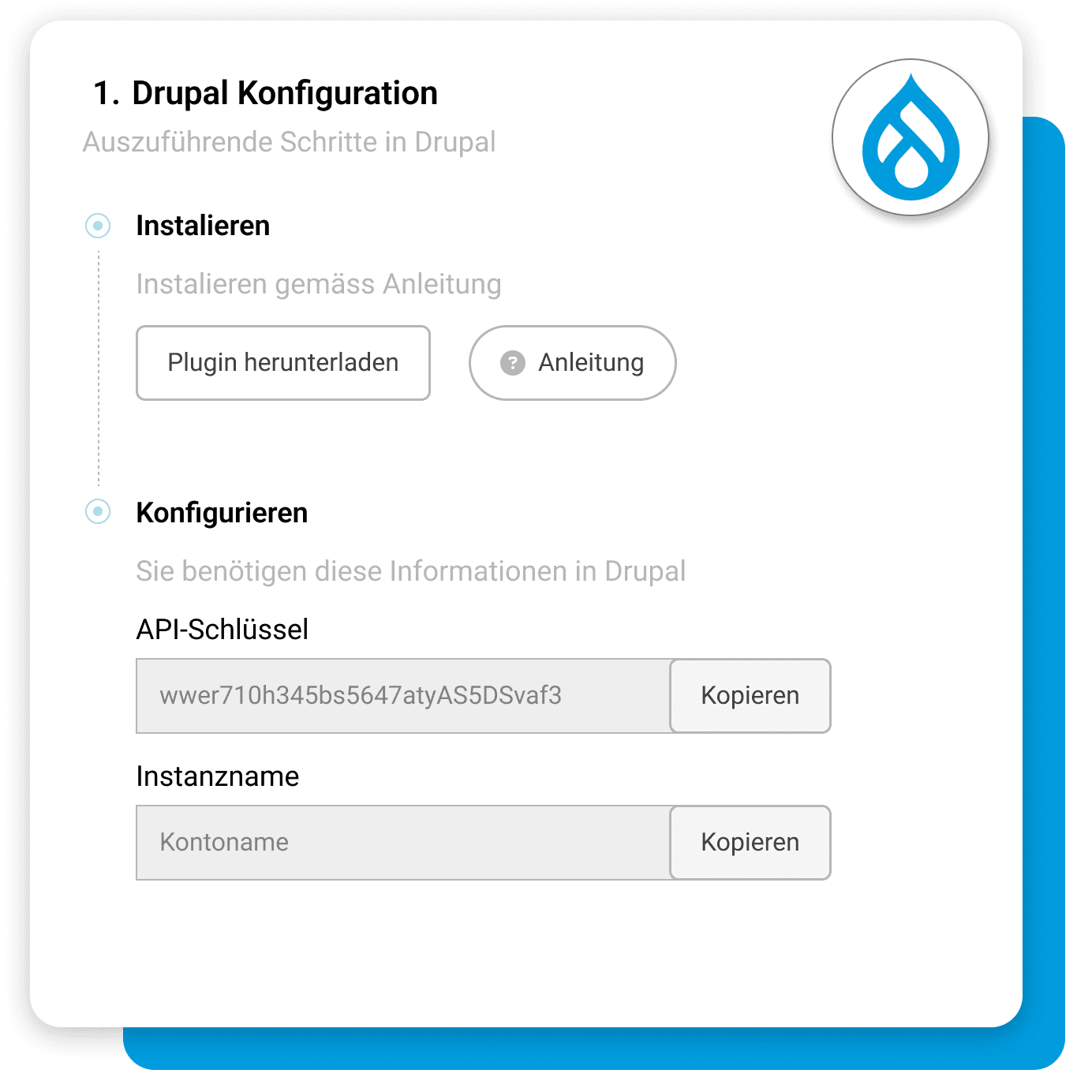
In the merchant administration, click on "Add" under "API and integrations" for Drupal and copy the displayed API key as well as the instance name. In addition, you store the URL of your shop there.
What do you need to keep in mind regarding the shop address?
The address must match exactly, because discrepancies like "http://" instead of "https://" can lead to errors when processing the webhooks. If your shop is located in a subdirectory, enter the full path, for example https://demo-shop.com/shop.
Which Payrexx plan do you need for Drupal?
The integration into drupal is available in the Payrexx STANDARD and PREMIUM plans and is not included in the free plan. You can see which features are included in which plan on the pricing page.

