
nopCommerce
Accept a variety of payment methods in your nopCommerce webshop, such as Visa, Mastercard, TWINT, Apple Pay, PostFinance Pay, Google Pay, and more. Your revenues are then consolidated and reliably paid out via Payrexx.
Payrexx Pay Plugin for NopCommerce
NopCommerce is a versatile e-commerce platform that allows you to easily create and efficiently manage your online shop. Connect your NopCommerce account with Payrexx to offer your customers a wide range of common payment methods.
Fast Integration: Install the NopCommerce plugin in just a few steps, activate the desired payment methods, and get started immediately.
Wide Range of Payment Methods: Give your customers access to all common Swiss payment options—convenient and from a single source.
Clear Management: Keep track of your transactions with an intuitive and structured Dashboard.
Process Payments Securely: The PCI-compliant Payrexx plugin ensures reliable and secure payment processing.
All Payment Methods from One Source
Payrexx offers you in the NopCommerce payment plugin every common payment method: TWINT, PostFinance, Discover, Amex, Bank Transfer, Visa, Mastercard, Samsung Pay, Google Pay, ApplePay and many more—all from a single source and without additional contracts.
Payouts
The payout of your earnings, which you generate with the Prestashop plugin or other Payrexx solutions such as the card reader, Paylink, or Donation, is processed according to your wishes daily, weekly, or monthly to the IBAN bank account stored in your Dashboard.
Setup Guide
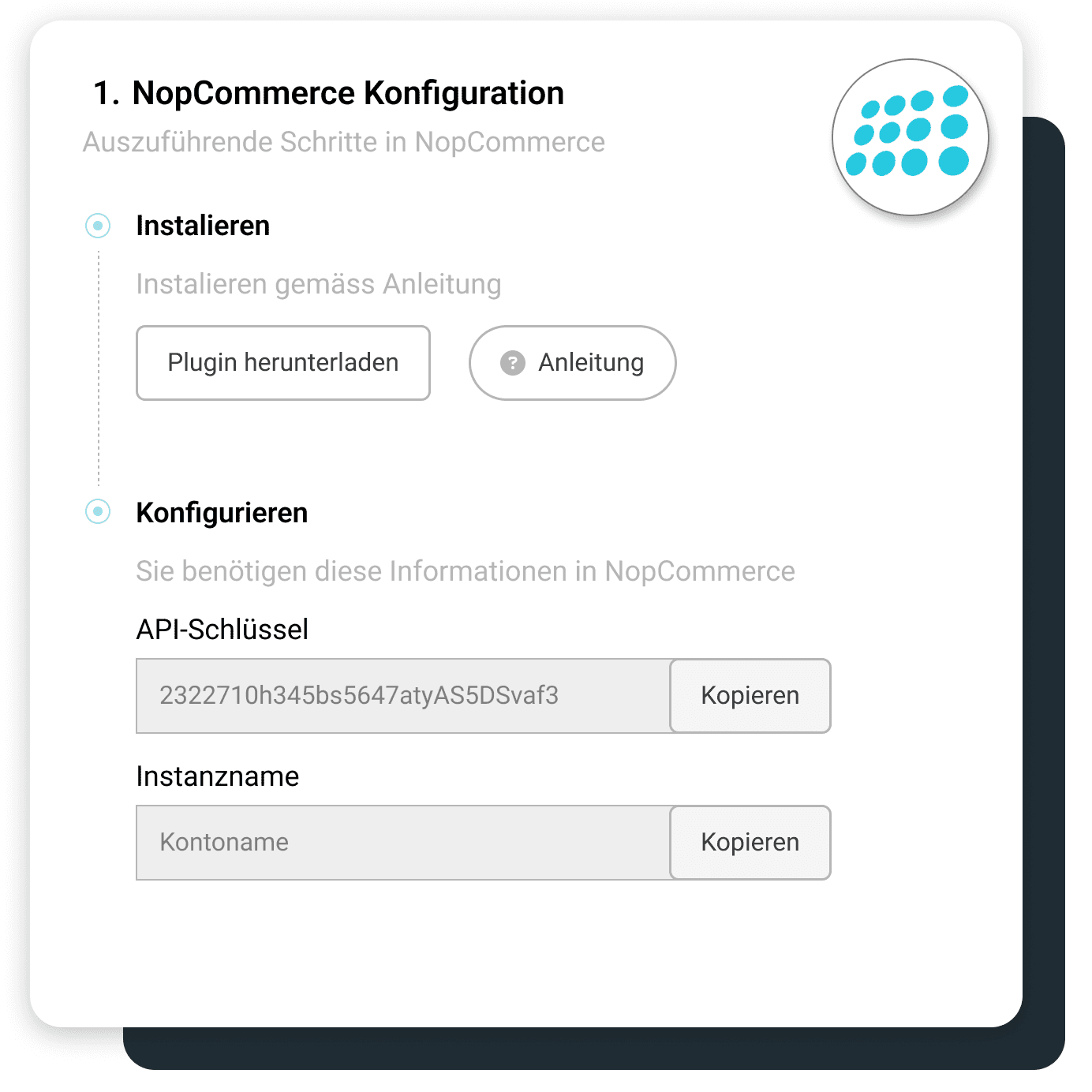
This guide shows you how to set up the official Payrexx nopCommerce plugin and connect it seamlessly with your online store.
Transaction fees
Cards from:
1.35%
+
CHF 0.18
TWINT from:
1.25%
+
CHF 0.18
Wallets from:
1.35%
+
CHF 0.18
Compatibility
The NopCommerce integration is available in the pricing plans STANDARD and PREMIUM.
Questions and Answers about the NopCommerce Plugin
How secure is Payrexx for merchants?
If you integrate Payrexx into your nopCommerce webshop, we guarantee you the highest possible security for every transaction. Payrexx takes the following security precautions:
Personal data, both yours and that of your customers, is stored in compliance with GDPR.
Payrexx is fully PCI DSS Level 1 certified, the highest global security standard for payment data, developed in collaboration with several credit card organisations.
The 3-D Secure process strengthens online payments with additional identification, minimises fraud risks and chargebacks, and ensures the highest level of security and customer authentication.
Are there additional fees for using the NopCommerce plugin?
A commission is deducted from you for each transaction. You can find the exact transaction fees per payment method on our pricing page.
In addition to the transaction fees, there are no additional fees for the payment plugin.
How is the money from NopCommerce transactions paid out?
You receive your money from the purchases in your nopcommerce shop paid directly from Payrexx to your deposited bank account.
You can find more detailed information on how payouts from Payrexx Swiss Collecting work in our documentation.
How do I integrate the Payrexx NopCommerce plugin into my shop?
Integration is simple. Just follow our step-by-step guide in the documentation to install the plugin in your nopcommerce shop.
Which payment methods does the NopCommerce plugin support?
The plugin supports Mastercard, Visa, AMEX, Maestro, PayPal, Apple Pay, TWINT, Google Pay, Samsung Pay, PostFinance Card, Invoice, bank transfer, Centi, HeidiPay, WIRpay, Masterpass, Reka, Klarna
Who develops the Payrexx plugin for nopcommerce?
The plugin is developed by the nopCommerce team and provided via the nopCommerce website. You can download it there after logging in via "Get extension" and then install it in your installation.
Where can you find the current plugin version and compatibility details?
You can find the latest version, along with details on compatibility with your nopcommerce version, on the plugin page in the nopcommerce
Do you still need to activate the plugin after uploading?
After uploading under "Configuration > Local Plugins", the plugin will appear in the list and must first be installed via "Install". In a second step, you look for it again in the list and activate it before you enter the connection details from Payrexx.
For which type of shops is nopCommerce with Payrexx suitable?
nopCommerce is an open-source solution for powerful and scalable shops, supporting product catalogues, customer management, as well as multi-store and multi-vendor scenarios. The Payrexx integration is therefore ideal for merchants who want to manage multiple shops or providers via a single, shared payment solution.
Which Payrexx package do you need for nopcommerce?
The integration into nopcommerce is available in the Payrexx plans STANDARD and PREMIUM and is not included in the free plan. You can see which features are included in which plan on the pricing page.

