
Shopware 6
Accept a variety of payment methods in your Shopware 6 webshop, such as Visa, Mastercard, TWINT, Apple Pay, PostFinance Pay, Google Pay, and more. Your earnings will then be bundled and reliably paid out via Payrexx.
Payrexx Pay Plugin for Shopware 6
Shopware 6 is a powerful e-commerce platform that allows you to create your own online shop quickly and easily. Connect your Shopware 6 account with Payrexx and enable your customers a convenient payment with all common payment methods.
Simple Integration: Install the Shopware 6 plugin, choose your preferred payment methods, and get started right away.
Various Payment Options: Accept all popular Swiss payment methods through a central solution.
Clear Administration: Keep your transactions in view at all times – thanks to an intuitive Dashboard and four flexible options for payment reconciliation.
Secure Payment Processing: The PCI-compliant Payrexx plugin ensures reliable and protected payment capturing.
Custom Design: Compared to the Shopware 5 plugin, the Shopware 6 version offers additional customization options for look & feel.
All Payment Methods from One Source
Payrexx offers you in the Shopware 6 payment plugin every common payment method: TWINT, PostFinance, Discover, Amex, Bank transfer, Visa, Mastercard, Samsung Pay, Google Pay, ApplePay and many more – all from one source and without additional contracts.
Payouts
Your revenues generated with the Shopware 6 plugin or other Payrexx solutions such as the card reader, Paylink or Donation, will be paid out daily, weekly, or monthly according to your preference to the IBAN bank account stored in your Dashboard.
In-house Developed Shopware 6 Plugin
The Payrexx plugin for Shopware 6 was developed in-house and is continuously improved. The integration is free of charge and can be set up effortlessly, so you can start accepting payments in your shop on the same day.
Setup Guide
In this guide, we explain how you can set up the official Payrexx shopware 5 plugin and link it to your shopware 5 store.
Transaction fees
Cards from:
1.35%
+
CHF 0.18
TWINT from:
1.25%
+
CHF 0.18
Wallets from:
1.35%
+
CHF 0.18
Compatibility
The Shopware 6 integration is available in the STANDARD and PREMIUM pricing plans.
Shopware 5
Also available for Shopware 5: Payrexx offers an optimized solution for this version as well.
Questions and Answers about the Shopware 6 Plugin
How secure is Payrexx for merchants?
If you integrate Payrexx into your Shopware webshop, we guarantee you the highest possible security for every transaction. Payrexx takes the following security precautions:
Personal data, both yours and that of your customers, is stored in compliance with GDPR.
Payrexx is fully PCI DSS Level 1 certified, the highest global security standard for payment data, developed in cooperation with several credit card organisations.
The 3-D Secure process strengthens online payments with additional identification, minimises fraud risks and chargebacks, and ensures the highest level of security and customer authentication.
Are there any additional fees for using the Shopware plugin?
With each transaction, a commission is deducted. You can find the exact transaction fees per payment method on our pricing page.
Apart from the transaction fees, there are no additional fees for the Shopware plugin.
Which payment methods does the Shopware 6 Payment Plugin support?
The plugin supports Mastercard, Visa, AMEX, Maestro, PayPal, Apple Pay, TWINT, Google Pay, Samsung Pay, PostFinance Card, Invoice, bank transfer, Centi, HeidiPay, WIRpay, Masterpass, Reka, Klarna
How is the money from Shopware transactions paid out?
You receive the money from purchases in your Shopware shop paid out directly from Payrexx to your deposited bank account.
You can find more detailed information on how payouts from Payrexx work in our documentation.
documentation.
How do I integrate the Payrexx plugin for Shopware 6?
Integration is easy. Just follow our step-by-step guide in the documentation to install the plugin in your Shopware shop.
Can you connect Shopware 6 automatically with Payrexx?
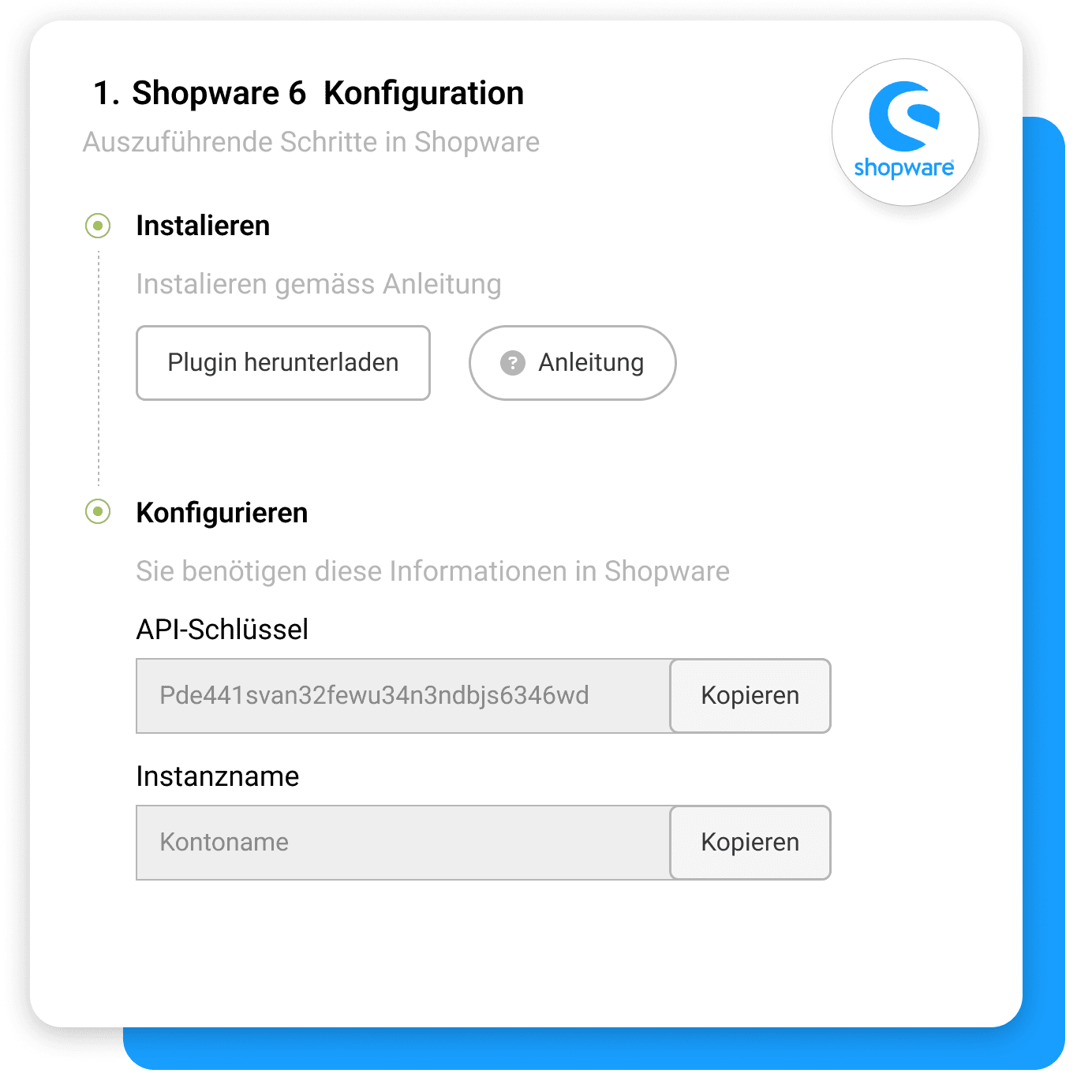
The plugin offers two ways: With the automatic connection, you log in to the plugin settings using your Payrexx credentials and select the desired account. Alternatively, you can manually enter the API key and instance name, which is practical, for example, when dealing with multiple instances.
Does the Shopware 6 plugin support subscriptions?
The Shopware 6 plugin does not offer subscription support, meaning recurring payments cannot be processed directly via the shop checkout. For subscription models, you can instead use the subscription function in the Payrexx administration and send your customers a corresponding payment link.
Can you customize the payment page to match the design of your Shopware 6 store?
Look-and-feel settings are supported by the Shopware 6 plugin, allowing you to match the payment page to your shop's colours and logo. In addition, the payment method logos already appear during checkout, making the transition more familiar for your customers.
Does the Shopware 6 plugin support multiple currencies?
Multi-currency capability is part of the functional scope, as is the transmission of the shopping cart to Payrexx. Your customers will therefore see the individual items on the payment page instead of just a total amount, and international prices can be billed in the respective currency.
Which Payrexx package do you need for Shopware 6?
Integration into shopware 6 is available in the Payrexx STANDARD and PREMIUM plans and is not included in the free plan. You can see which features are included in each plan on the pricing page.

